Connect Office Collaboration With Document Management.
Edit Live. Track Every Change. And Be Audit-Ready, Always.
Make collaboration simple and always audit-ready. Microsoft Office handles the document creation — Workiro handles the document management.
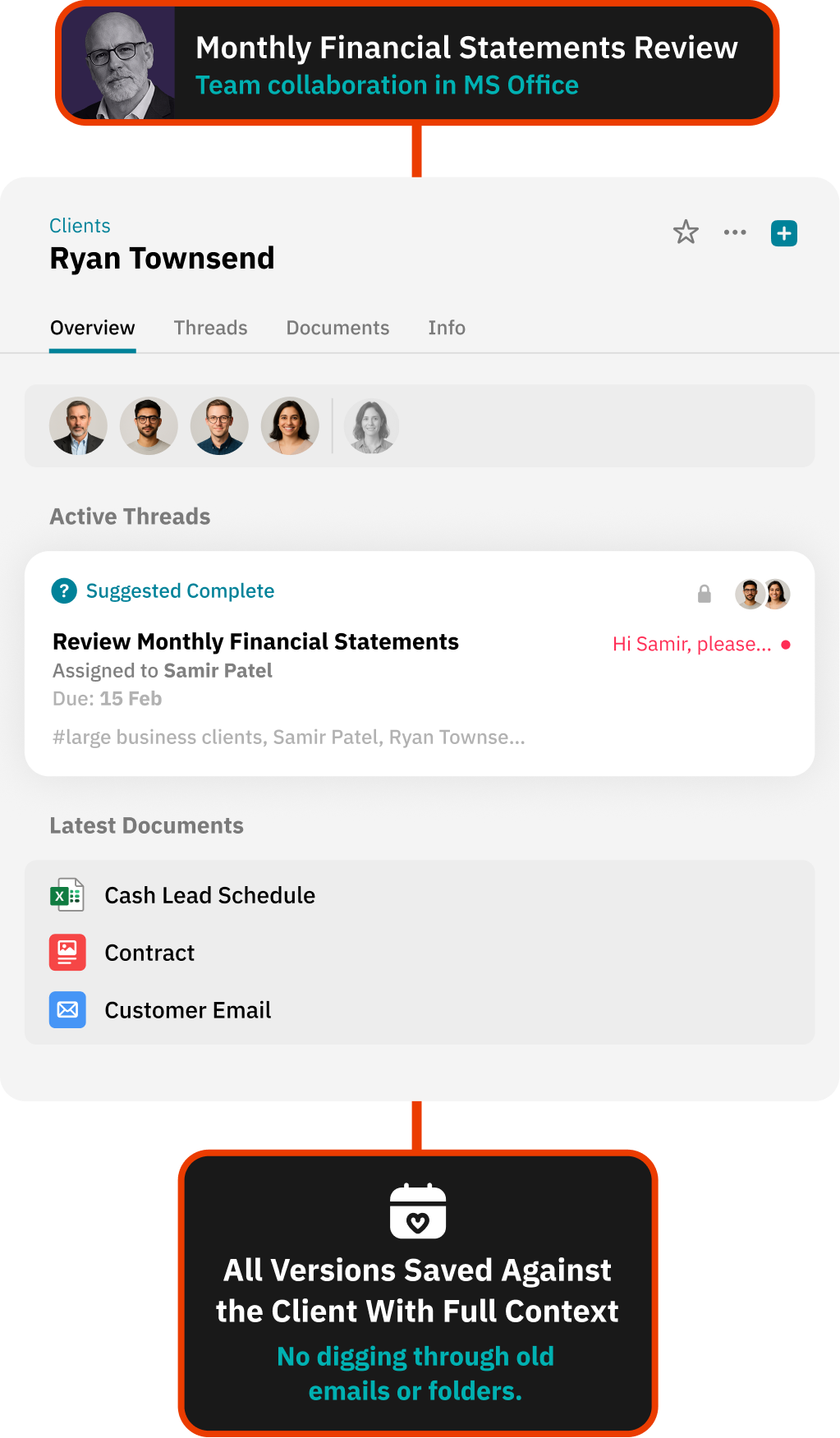



Office Without Workiro
Shared editing. Limited governance.
• Shared editing without structured document control
• Versions saved manually and lost in folders
• Reviewers unsure which file is the latest
• Audit trails incomplete or reconstructed later

Office After Workiro
Live collaboration backed by compliance-grade document control.
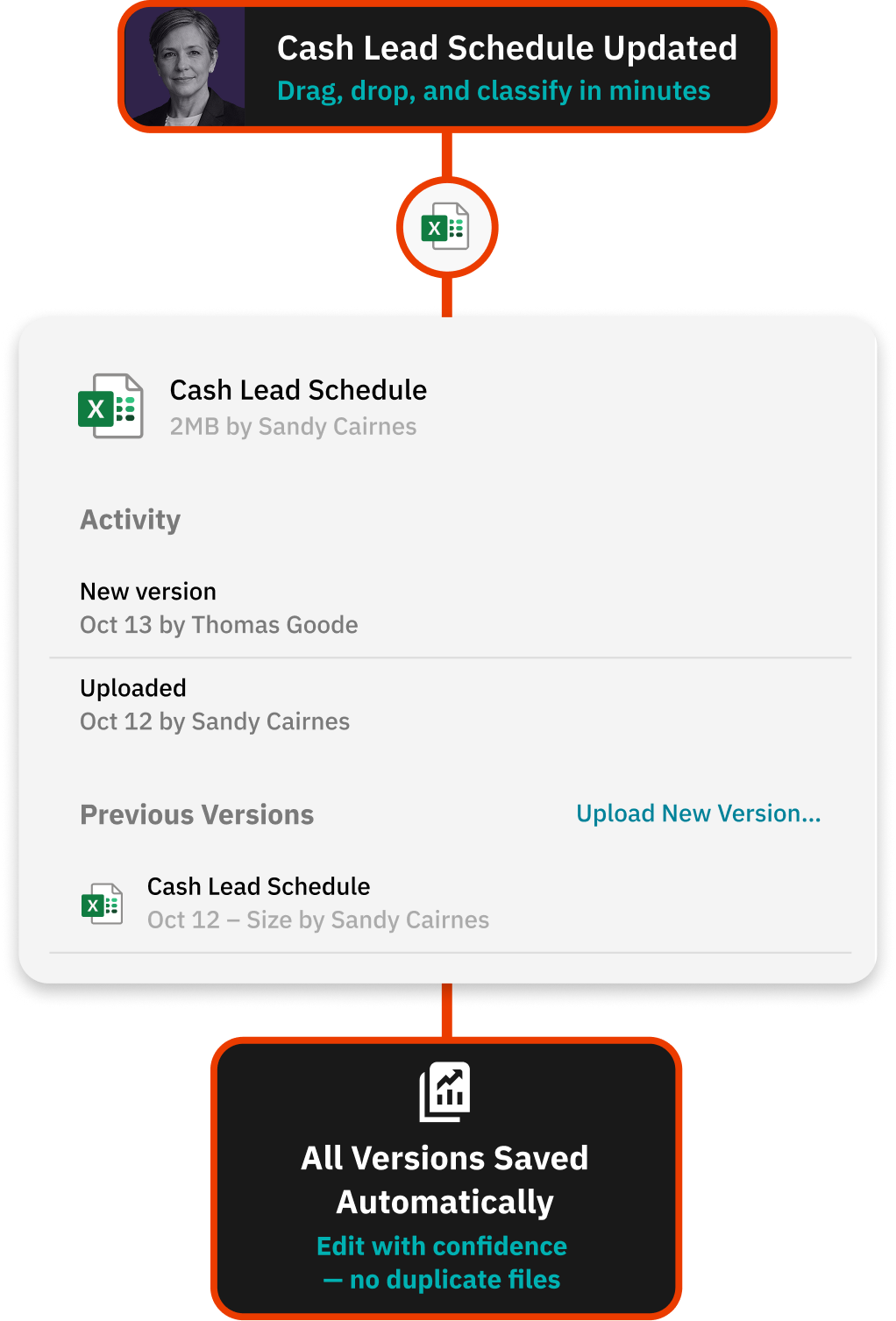
• Automatic document history showing who changed what and when
• Documents organised by tags and clients - not lost in folders
• Clear visibility across every revision
• Complete, audit-ready records - automatically
See the difference

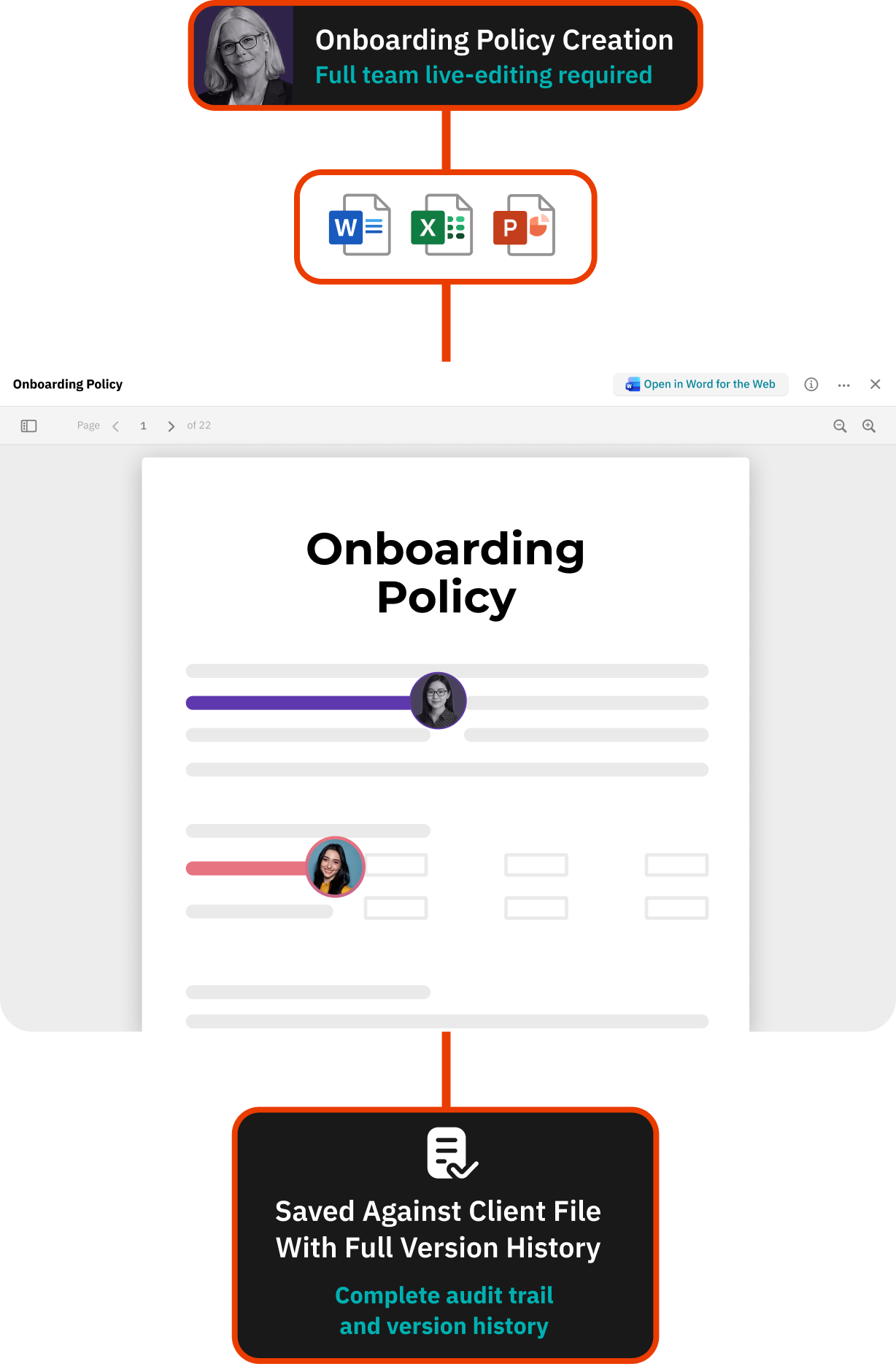
Co-Author Working Papers in Real Time

Open documents directly in Microsoft 365 Online
Collaborate live with colleagues
Auto-save changes back into Workiro
Maintain version history automatically
Keep Every Revision Traceable
Track who changed what and when
Compare document versions easily
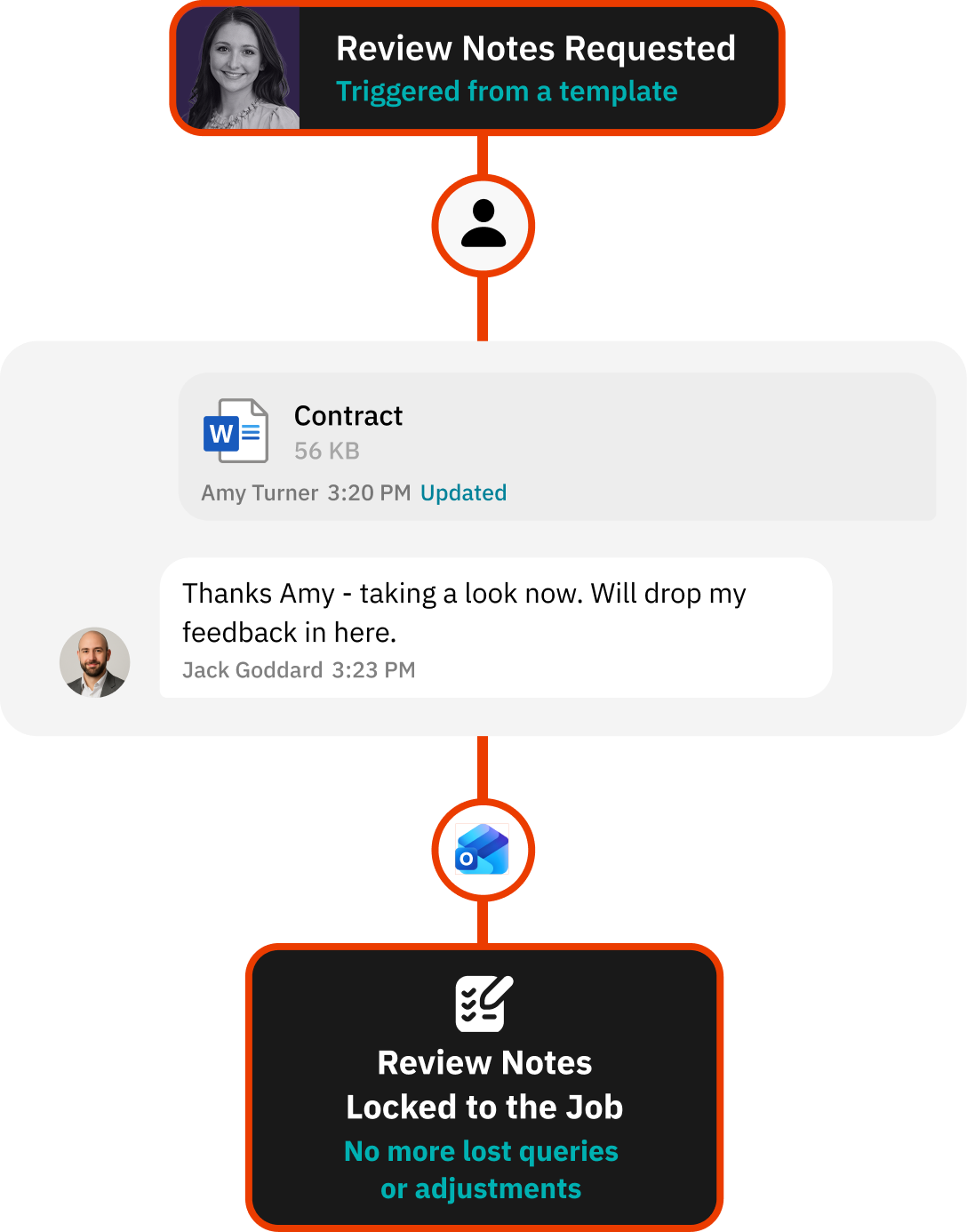
Store commentary alongside the file
Keep conversations tied to the document
File Documents Without Manual Uploads
Use Office add-in to send files directly to Workiro
Classify documents using tags
Enforce minimum tagging rules
Retrieve any document in seconds
Office integration demo
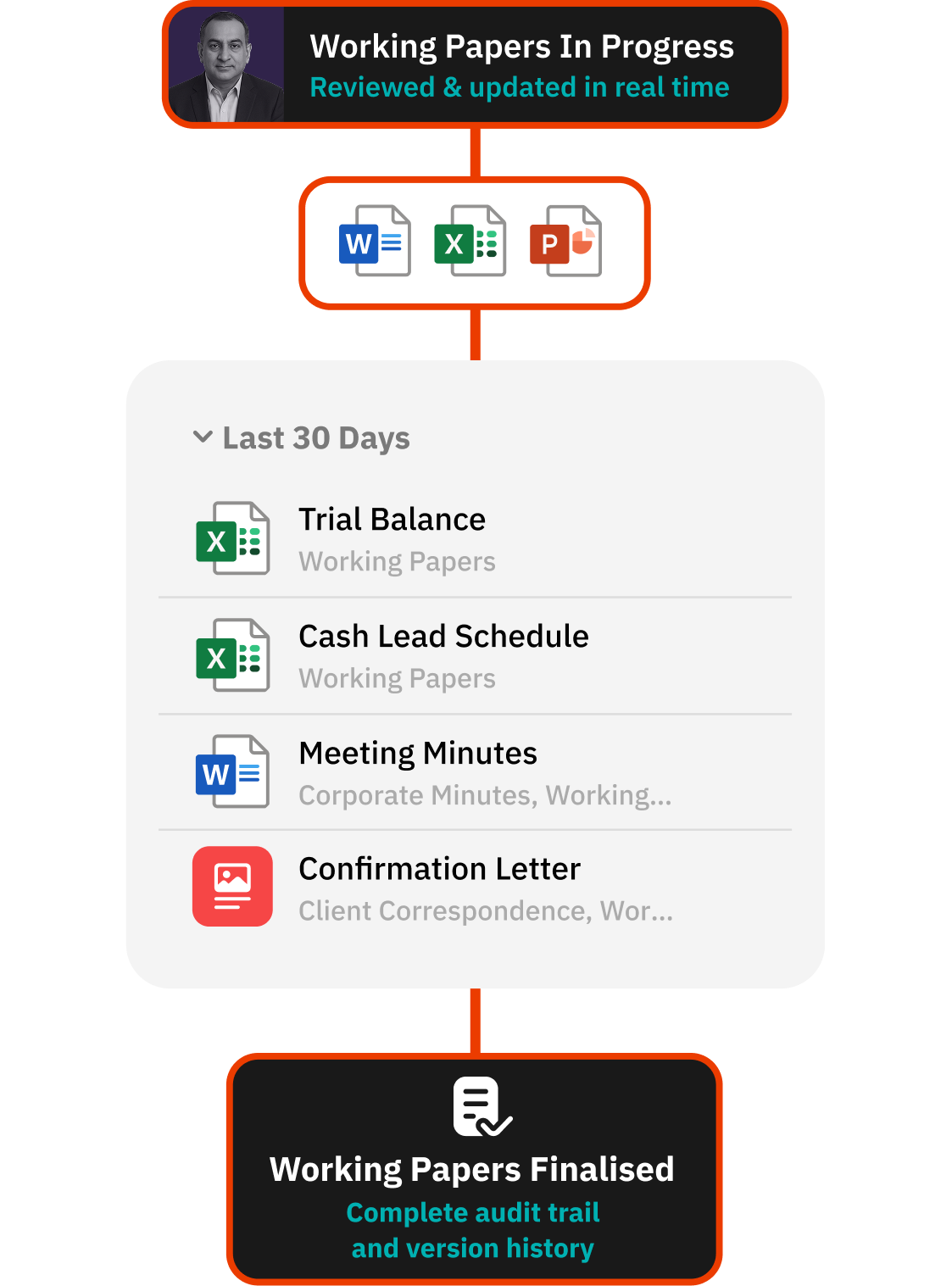


Keep Working Papers Audit-Ready From Draft to Final
Office integration demo
Microsoft Office and Workiro Frequently Asked Questions:
Workiro connects Microsoft Office to one audit-ready client file. Work in Word, Excel and PowerPoint directly from within Workiro, with simultaneous editing, automatic saving against the client file, full version control and a clear audit history - no more hunting for the final version.
Workiro is document management and client workflow software for accounting and professional-services firms in the UK and Australia.
Keep Every Client File Defensible — Without Slowing Down.
Book a demo