
Client Portal for Accountants: How to Choose One Clients Actually Use



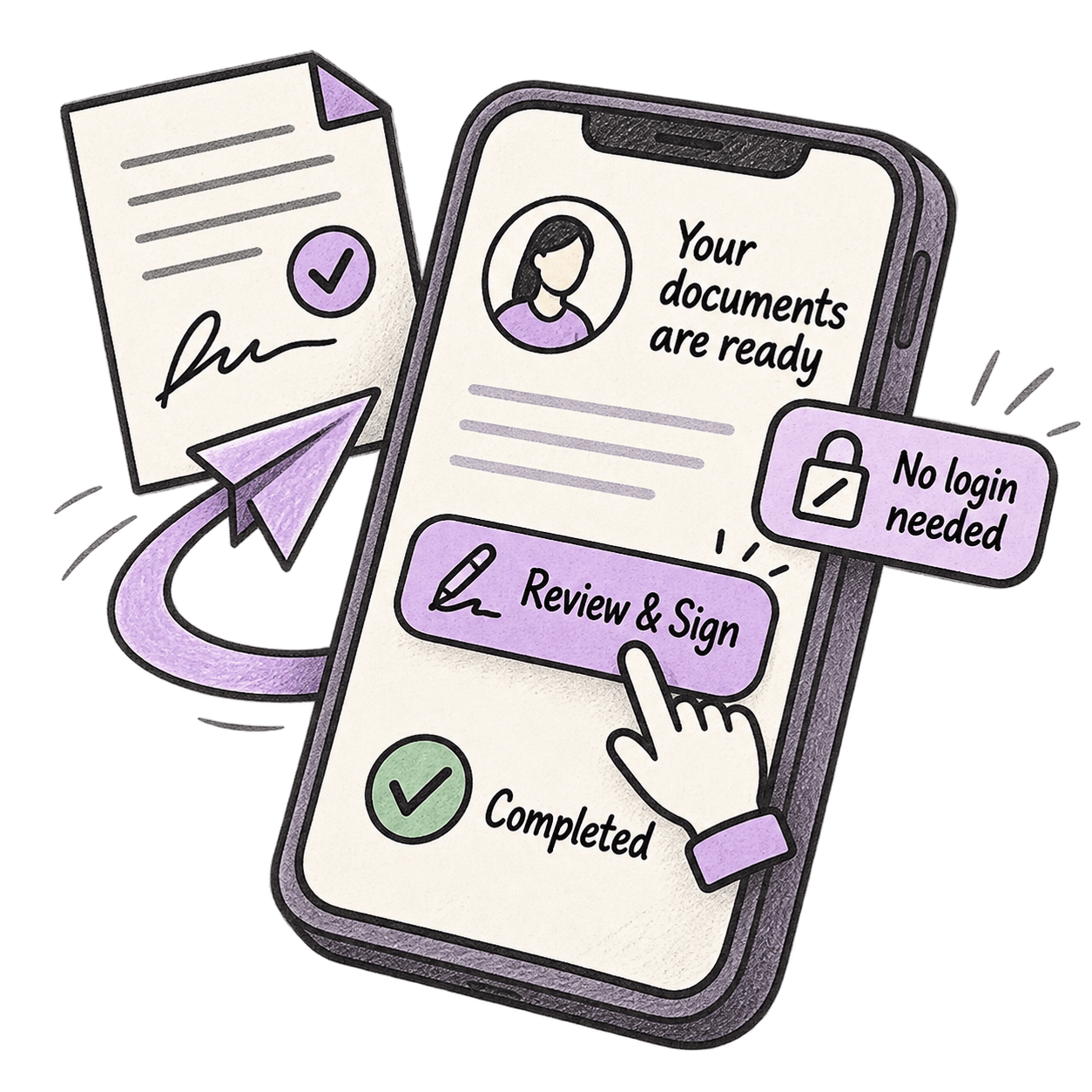
A client portal for accountants only works if clients use it - and the single biggest reason they don't is the login. Judge any portal by client completion, not firm features: no account to create, works from a phone, requests and reminders built in, signing in the same place as the document, and everything filed automatically against the client record.
Every firm that has bought a portal knows the email. "What's my password again?" Then the reset link. Then silence, and the accounts still sitting there on Friday, viewed once, unsigned.
Portals were bought to end the chase; in many firms they became one more thing to chase. The failed assumption wasn't the software. It was expecting a client with sixty online accounts to maintain a sixty-first for a firm they hear from a few times a year.
Portals fail at the login, not the features
Take a real example. Lloydbottoms, a chartered accountancy firm in Bristol, ran a client portal for years alongside a separate document system. Clients kept forgetting their portal logins, so the one system built for clients was the one clients couldn't get into.
That failure mode is general, not a one-off. Most clients hold dozens of logins, and the one they use twice a year is the first they forget. Every portal that requires an account is betting against that.
🟣 Key takeaways
- Measure a portal by what clients complete, not what the firm can send. Adoption is the product.
- The login is the biggest single point of failure - the best modern portals don't have one.
- A portal that doesn't file back to the client record automatically just moves the filing problem, it doesn't solve it.
Judge a client portal by completion rate, not features
Vendor comparisons rank portals by branding, dashboards, integrations and storage. None of those decides whether the investment pays. The deciding number is the client completion rate: what percentage of the requests you send come back, and how fast.
A tax return approval that takes a client ninety seconds on their phone gets done on the bus. The same approval behind an account-creation screen gets done "later" - which, in tax season, means after your second reminder. Multiply that by every request in a tax return cycle: a portal's job is to make responding easier than ignoring.
AccountingWEB made a version of this argument in July, calling the portal a good system of record and a poor system of persuasion. Its fix was a chasing layer bolted on top of the portal you have. The better fix is a portal where the chase is built in: named missing items, automatic reminders, and completion in the same link the client clicks.
The UK's move to quarterly filing raises the stakes. Records conversations that used to happen once a year now happen four times, so every point of client friction is carried four times over. Australian firms have run this rhythm through BAS cycles for years: at volume, friction compounds.
The six checks that predict adoption
| The check | Why it decides adoption |
|---|---|
| No account, no password | The client clicks a secure link and does the task. Every credential you add loses a slice of your client base. |
| Works from a phone | Approvals and signatures happen in stolen moments. If it needs a desktop, it waits for the weekend. |
| Requests and reminders built in | The chase should be machinery, not memory - automatic nudges for what's missing, not a partner's Friday list. |
| Sign where the document lives | Review and signature in one place, one session. A separate signing tool is a second trip clients don't make. |
| Auto-files to the client record | What comes back should land on the client's file by itself. A portal that needs manual refiling moved the problem, not solved it. |
| A trail you could show | Sent, viewed, signed - timestamped. When a client says "I never got it," the record answers, not memory. |
Add one check that costs nothing: before you sign, hand the shortlisted system to your least tech-savvy client and ask them to complete one real request, unaided. Practitioners on AccountingWEB's forums use exactly this trial - one ran it and watched a big-name portal fail within minutes. It answers the only question that matters: will your clients complete a request without help?
Is a portal without passwords secure?
Yes, when built properly. A no-login portal replaces the password with a unique, expiring link sent to the client's verified email address, opening a temporary secure session. Nothing is reusable or guessable, and every view, upload and signature is timestamped on an audit trail.
The realistic comparison isn't a perfect password regime. It's what clients actually do when a portal is hard work: reuse one password across a dozen sites, or send documents back as plain email attachments. The most secure system is the one clients actually use.
For regulated work the trail matters as much as the lock. The common failure isn't a breach - it's approvals evidenced only by inbox memory. Tracked, no-login approvals close that gap: every view, upload and signature logged and time-stamped by default.
What changed when Lloydbottoms removed the login
Lloydbottoms retired the portal and their old server system together and moved to no-login client access: fifteen years of documents migrated, no client logins for signing. Director Susan Rickerby's explanation for why clients now respond: "It's got their name on it."
The mechanism is the checklist above. When the request is a link in the client's inbox rather than a destination with a password, completion rises and the record files itself.
Where Workiro fits
Workiro's client experience is deliberately not portal-shaped. A client gets a branded email, clicks through to a secure temporary session, and uploads, reviews or signs right there - no account, no password, terms accepted once, ever. Whatever they send or sign files itself against their record, requests chase automatically, and the audit trail captures who saw and signed what, when. It's the mechanism behind the onboarding flow firms use to collect IDs, engagement letters and signatures without the back-and-forth, and it sits inside the same client file that runs the rest of the practice's document management.
If your current portal's completion rate is the quiet problem in your tax season, book a demo and send yourself a real request - you'll experience exactly what your least technical client would, phone in hand, no password in sight. Or read how Lloydbottoms replaced their portal and DMS with one system first.
FAQ
What is a client portal for accountants?
A client portal is a secure space where clients send documents, review drafts, sign and message the firm - instead of doing all of that over email. The good ones remove the account and password entirely: the client clicks a secure link and completes the task in the browser, and everything files back to the client record, as in client onboarding.
Do clients need a login to use a portal?
Not with modern systems. Secure, expiring links sent to the client's verified email let them upload, review and sign without creating an account or remembering a password - which is the single biggest driver of whether clients actually respond.
Is a portal without passwords secure?
Yes, when built properly. A no-login portal sends a unique, expiring link to the client's verified address and opens a temporary secure session, with every view, upload and signature timestamped on an audit trail. Compare that with the realistic alternative: a shared password reused across a dozen sites, or sensitive documents sent as plain email attachments.
Is a client portal better than email?
Email gets read but leaves no structure: attachments scatter, versions multiply and there is no record of who saw what. A good portal keeps email's convenience - the client still just clicks a link in their inbox - while filing everything against the client record with a full trail, the foundation of a tax season that doesn't stall.
Can a firm build its own client portal?
For simple file exchange, yes - firms have built passable portals in tools like Notion or SharePoint. They tend to stall at the same four points: e-signatures, automatic reminders, filing back to the client record, and an audit trail a reviewer would accept. Those are the jobs that decide adoption, and they are the expensive ones to build well.
General information for accounting and professional-services firms, not advice – verify anything time-sensitive with the relevant tax authority or your professional body before acting on it.
Keep Every Client File Defensible — Without Slowing Down.
Book a demo




Industry-leading data security, for total peace of mind
We are a listed public company; currently protecting data for many of the world’s biggest professional brands.