The #1 Document Management Outlook Solution for Professional Firms.
If Information is Locked In Someone’s Inbox – You Have An Incomplete Client File.
Capture every client email, attachment and approval – automatically.
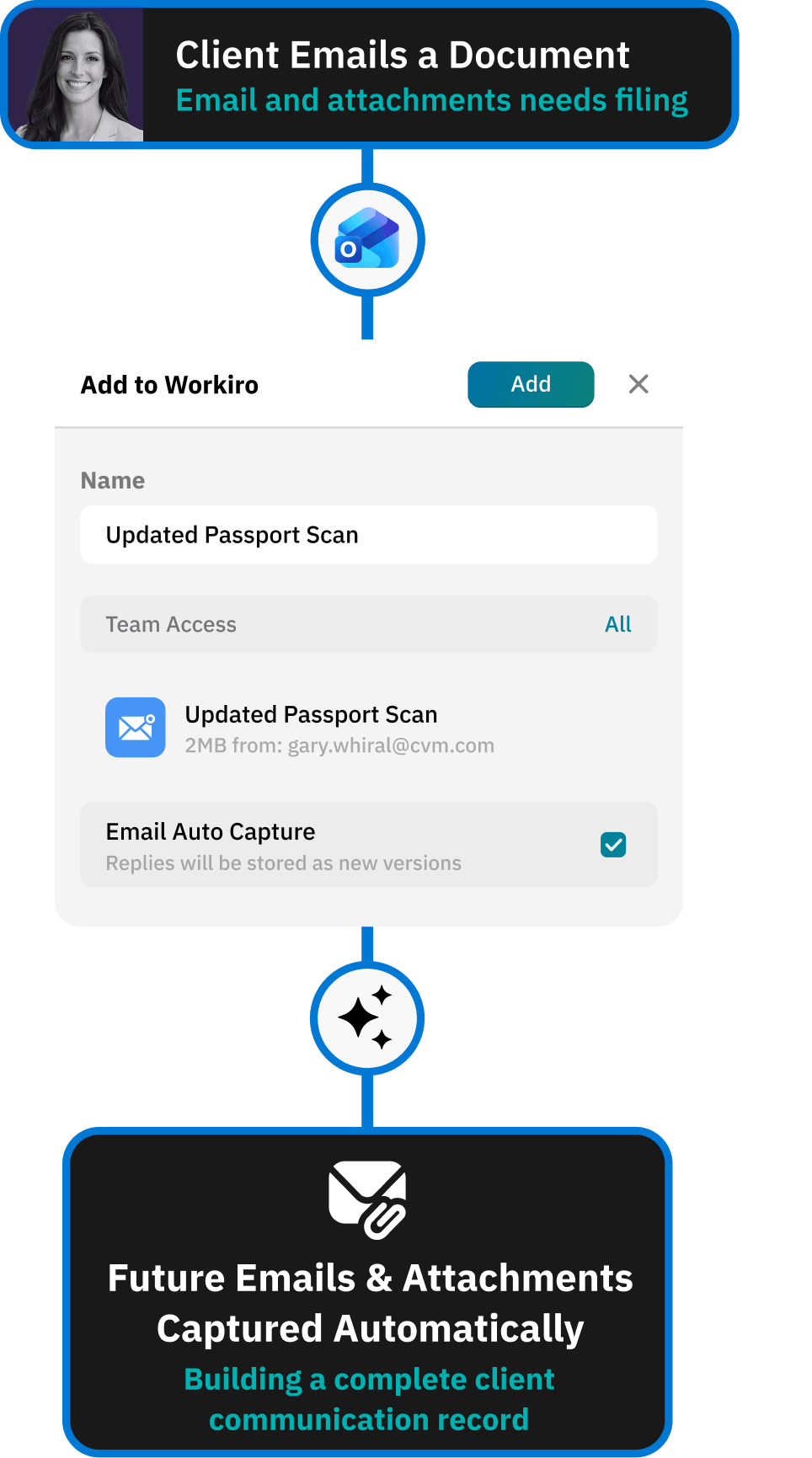
Capture Every Email Conversation – Attachments, Threads & Decisions – Into The Right Client Files.

Client emails stop living in private inboxes: Every message and attachment becomes part of the client file.
No more hunting for attachments across Outlook and folders: Everything is captured and organised automatically.
Everyone sees the full client conversation: Not just the person copied into the thread.
A defensible communication record builds itself: So evidence is ready when partners, clients or regulators ask.



Outlook Without Workiro
Important client emails trapped in inboxes
• Important context hidden in private inboxes
• Attachments downloaded locally and easily lost
• Partners chasing email threads during reviews
• Communication history rebuilt manually

Outlook After Workiro
A complete client communication record
• Every key email stored in the client file
• Attachments captured, in context
• Full conversation visible to the whole team
• A searchable, time-stamped comms record
See the difference

.png)
Every Client Email Captured In The Client File
Emails and attachments captured automatically: Stored against the correct client. No rebuilding evidence later.
Entire email threads preserved: Linked to the client record.
The whole team sees the full communication history: Not just the person copied into the thread.
Turn Email Conversations Into Actionable Work
Deadlines and commitments tracked: No more losing tasks buried in inbox threads.
Jump straight from email to the client record: No searching through folders or systems.
Full context kept with the work: Emails, attachments and tasks stay connected.
Remove Reliance on Individual Inboxes
Client communication visible across the team: Work continues even when someone is away.
Reduced risk of missing documents or approvals: Everything captured automatically.
Outlook integration demo
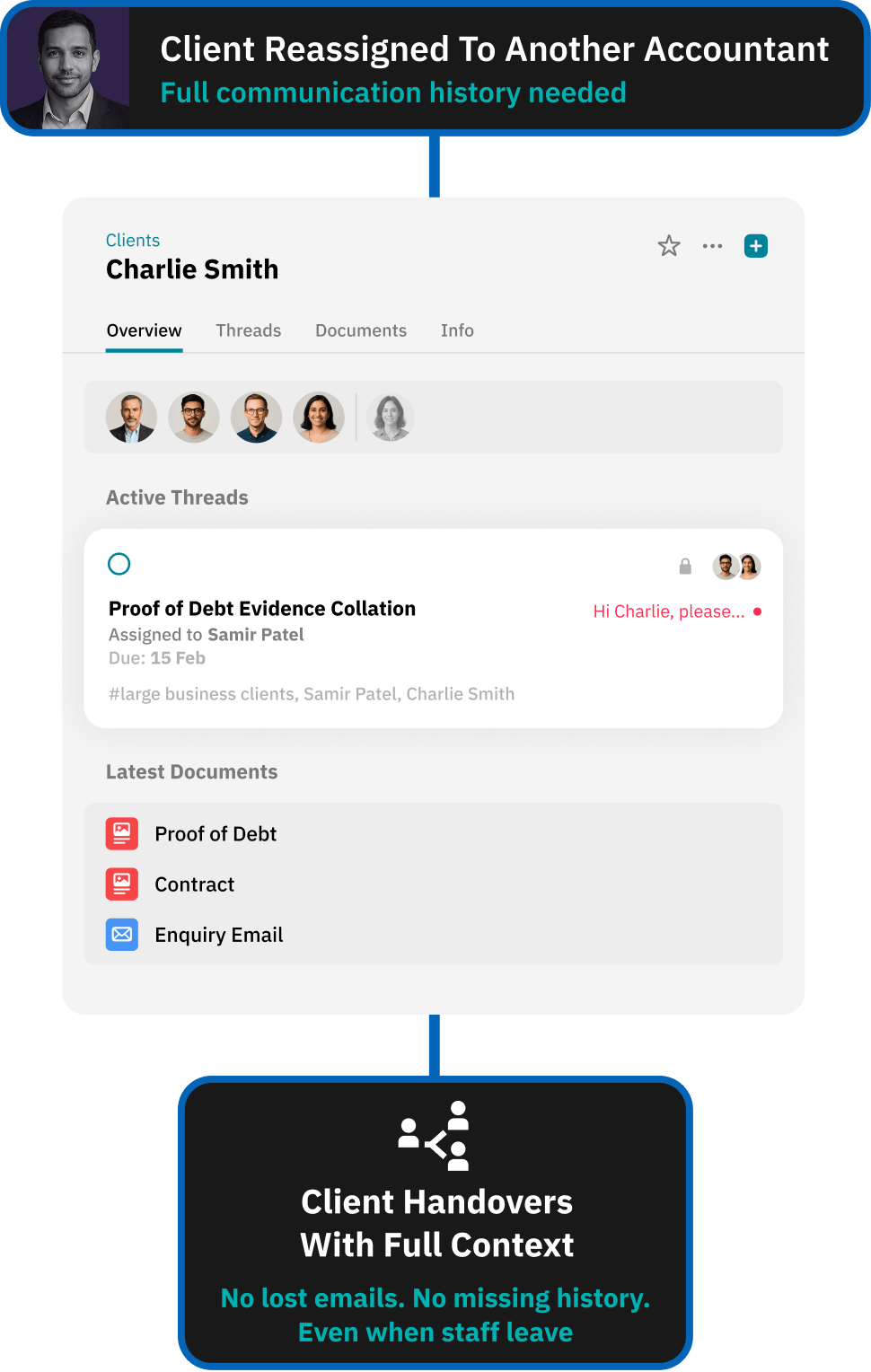


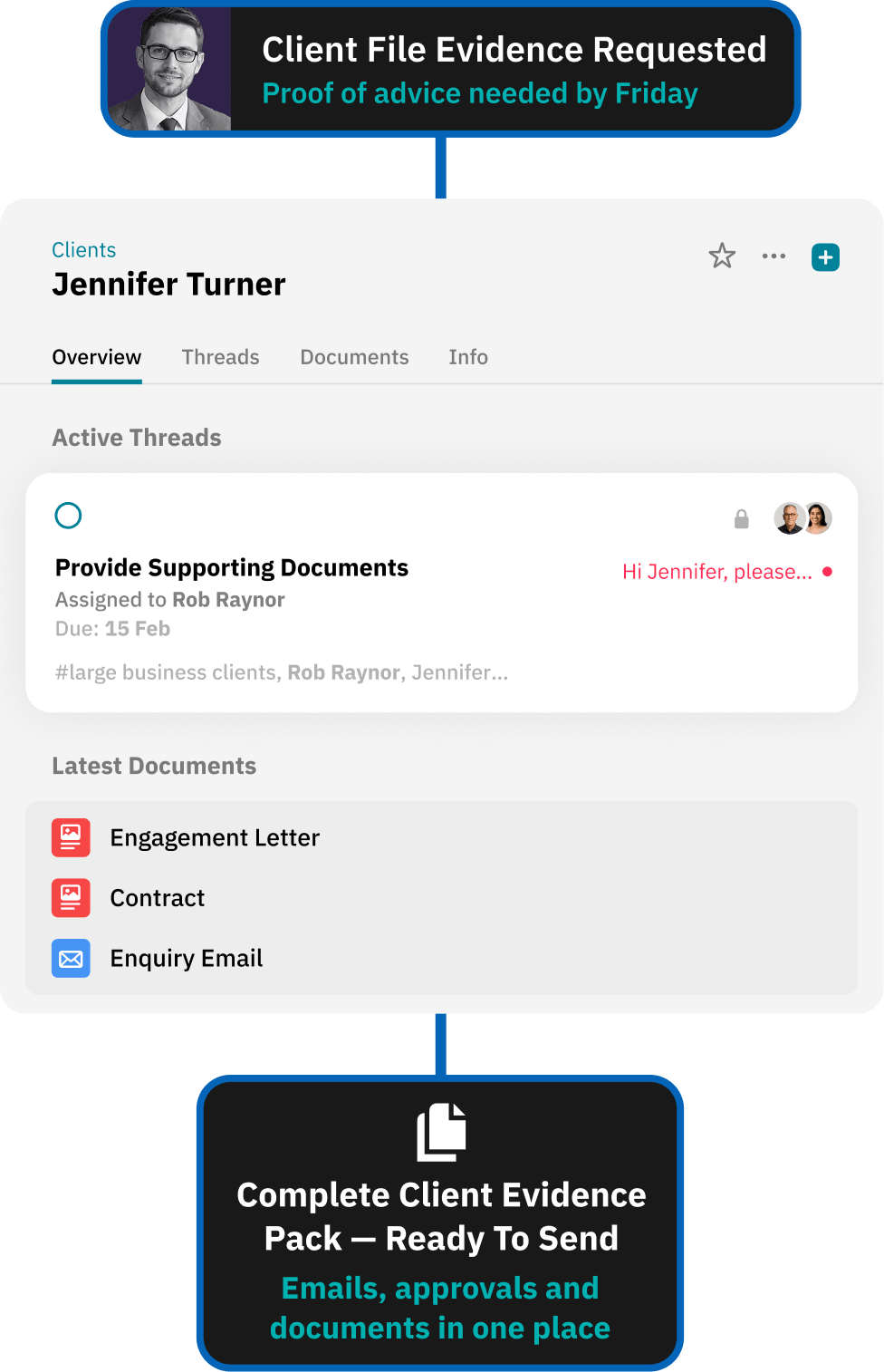
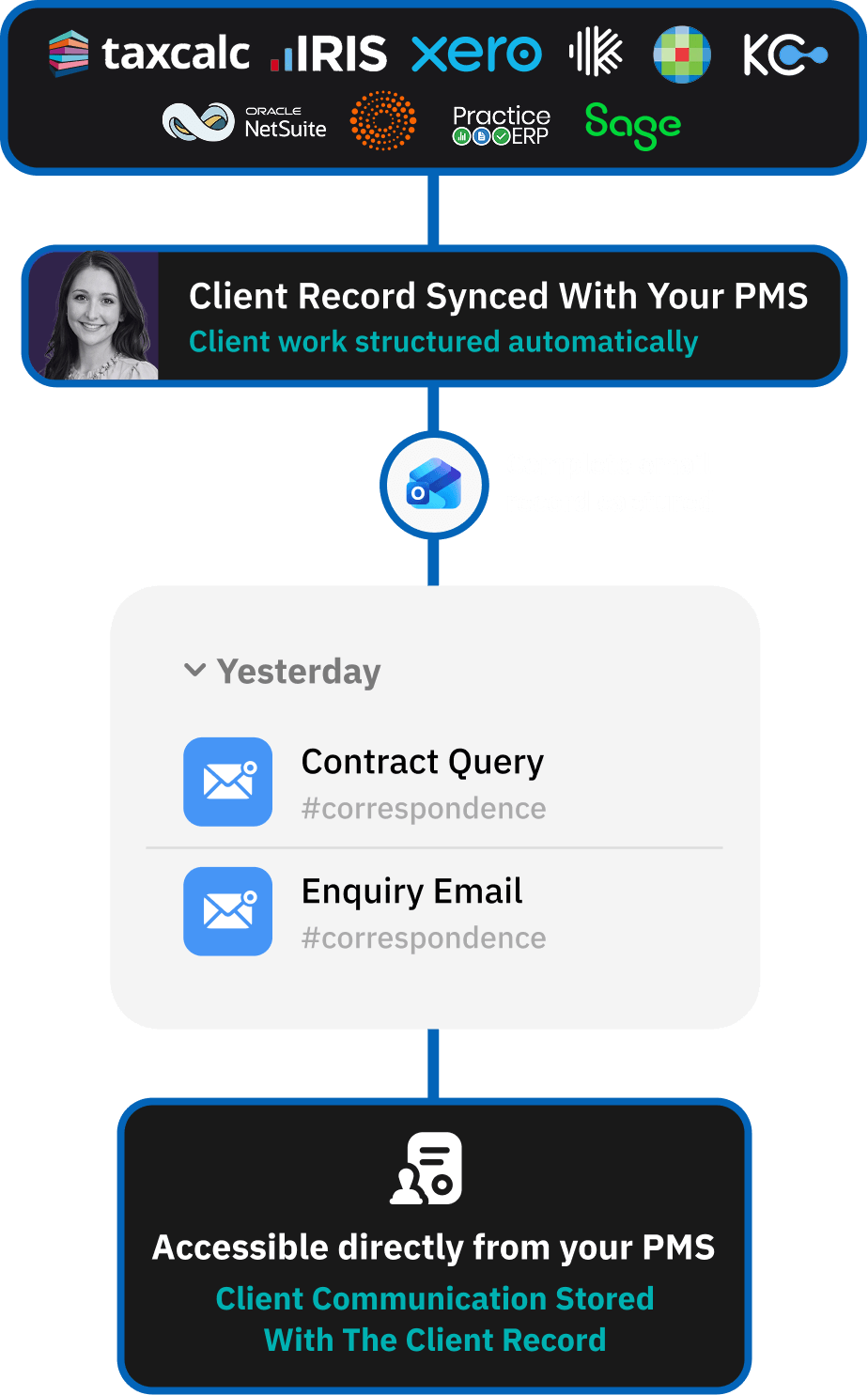
When Evidence Is Requested – The File Is Already Complete
Outlook integration demo
Workiro connects Outlook to the client file so every client email, attachment and approval is captured automatically. Teams keep working in Outlook as they always have, while Workiro links each message and attachment to the correct client record - building a defensible communication record as the conversation happens.
Workiro is document management and client workflow software for accounting and professional-services firms in the UK and Australia.
Keep Every Client File Defensible — Without Slowing Down.
Book a demo