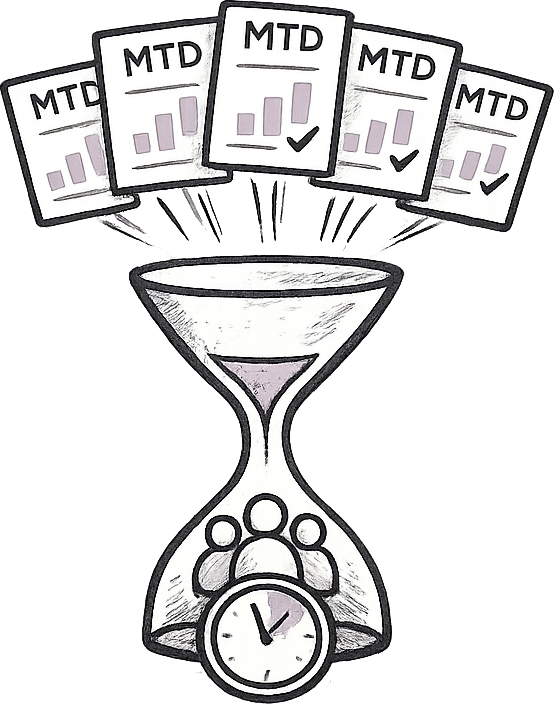
Repetitive busywork is one of the more insidious problems in the modern workplace: it’s crushing for both staff and the wider business, and manual tasks are the worst of all. Previous research has suggested that UK businesses waste 7% of their working week on unnecessary admin, with 72% of staff highlighting manual systems as harming their productivity.
Reducing repeat work and automating your workflow is one of the most rewarding changes you can make as a business leader: it improves efficiency, productivity and staff morale, and frees up yourself and your team to focus on more valuable work. Back-office tasks are the easiest target: research has suggested that accounting admin takes up 20% of all business admin time, meaning that efficiencies there can have an outside impact on your overall business.
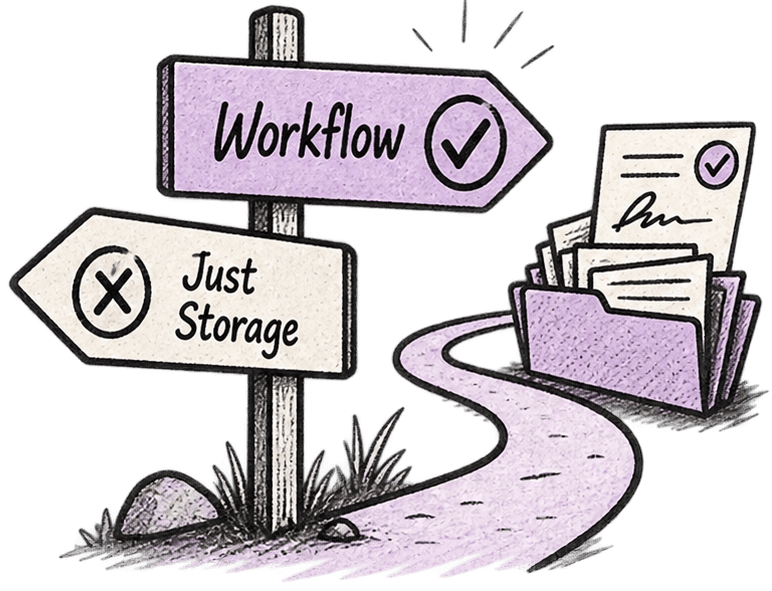
Most importantly, the solution does not mean you need a root-and-branch rebuild of your internal processes. You can get big efficiency wins from streamlining rather than rebuilding - here’s a simple set of steps that you can use to create simple, repeatable strategies that reduce admin and save time.

We keep returning to this in this series, and with good reason - you can’t create a viable strategy without having a clear view on what you’re trying to deliver. We won’t go over that again, but you need to start with a defined set of objectives that you’re working towards, and from that you should draw a few more granular targets.
Setting clear metrics and goals - like “reducing the time from sales lead to sending the new engagement letter to one day”, or the “reducing time spent creating audit workpapers” each year - means you have a target to work towards and you’ll be able to know, and share, victories when they happen.
This will depend on your industry and your team structure, but the prime targets for task automation are the same everywhere: the jobs that repeat themselves with every client, with the bare minimum of changes. Things like RFQ or RFI workflows, or copying purchase orders into your accounting system, or creating contracts for suppliers recur across multiple businesses and are ripe for workflow automation.
Next, you need to evaluate each task and identify the ones where workflow automation will have the biggest impact. There are some simple questions to help filter this:
Don’t overlook team morale in the final point, too - change management is all about bringing people along with you. Balance business productivity with making people’s jobs easier and you’ll find them more willing participants in the process.
For each task you need to create a defined, repeatable workflow and capture it in a way that can be followed each time.
This builds both not only efficiency but stability - by having repeat workflows ready to go in, you can add or replace team members without cumbersome handovers or dredging through long-neglected documentation.
Once you’ve created the workflow, ensure your team knows who’s responsible for each step of the process, with clear goals that are known across all members. For a workflow to be effective, everybody needs to be bought in and using the tools - some may be entrenched in the old ways so you shouldn’t assume automatic buy-in. Make sure that everybody knows to use centralised templates and refer to central processes, and check on progress regularly.
Workiro makes it easy to monitor this by giving you a single view that integrates with NetSuite and Office365, so you can track things like contract signing all the way from the workflow to the document creation to the client signing it and back again, all within a single document management interface.
Workflow automation needs to include clear communication all the way down the line, with you and your team able to monitor progress and avoid bottlenecks - poor communication ruins performance across almost every business metric. Again, you should keep this as centralised as possible, rather than having to check multiple dashboards. Workiro’s NetSuite integration integrates with Salesforce, Hubspot and Office365 so it’s a great way to surface information and track task completion.

Many routine tasks can be completed and tracked within Workiro itself, like marking up PDFs or working on the same Office 365 document together, enabling rather than having different versions accumulate in people’s inboxes.
Don’t overlook audit communication, either - confirming that processes have been completed for compliance is an easy win for workflow automation. Workiro’s Writebacks feature syncs updates to ERP records automatically, which is a huge time-saver for RFQ and RFI processes.
Finally, there is the bonus sixth step: review it to make sure it’s working. Refer back to the success metrics you established in point 1 and monitor your progress towards them: once you’ve achieved that, you can start again and pick off some meatier challenges.
To find out how Workiro can automate your workflows and boost efficiencies in your business, join a group demo or set up a call with one of our specialists.