
Working Papers Software: How to Choose a System That Holds Up



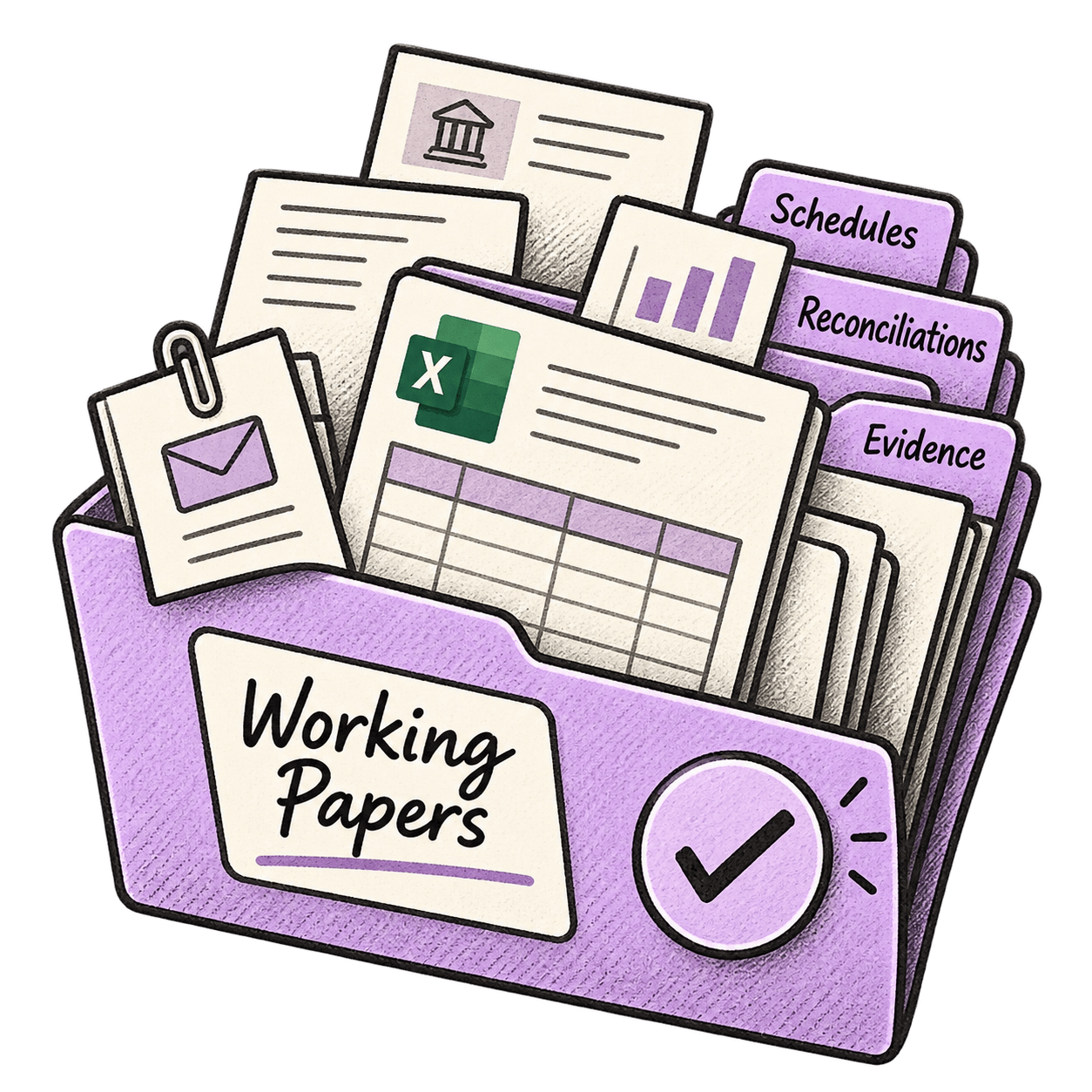
Working papers software gives every schedule, reconciliation and piece of supporting evidence one structured, version-controlled home - so a reviewer, a regulator or next year's team can see exactly what was done and why. Choose on five jobs: collecting records without chasing, attaching evidence to the paper trail, automatic version control, review captured in context, and a clean carry-forward to next year.
It is 9.40pm, the night before a partner review. Somewhere between an inbox, a shared drive and a colleague's desktop sit three files called TB final, TB final v2 and TB final v2 AMENDED. One of them is right. Nobody is sure which, and the person who would know is on leave.
That hunt is the real cost of running working papers across spreadsheets, folders and email: hours of re-checking, and no certainty the file would stand up if someone outside the firm asked to see it. The saved software licence doesn't cover it.
If you want the grounding first, we've covered what working papers are and what they should contain separately. This piece is the software decision: what a system needs to do, and the checks to run before you commit.
Regulators now ask for the record, not the work
The question being asked of firms has shifted from "did you do the work?" to "can you produce the record?"
You can see it in enforcement. In July, the UK's Financial Reporting Council opened an investigation into two accountants' communication with auditors over a two-year period - the correspondence itself is the evidence under review. Not whether the work was done. What the trail shows.
You can see it in the everyday too. When the first Making Tax Digital quarterly deadline landed in August, practitioners reported software showing a submission as successful while HMRC's side showed nothing received. As AccountingWEB put it, accountants now "have to check and keep evidence in case the records don't align." The filing receipt has become a working paper in its own right, which makes evidence-keeping a year-round habit rather than a year-end one.
🟣 Key takeaways
- The test regulators and reviewers apply is no longer "was the work done" but "can you produce the record" - years later, by someone who wasn't there.
- Working papers software has five jobs: collect without chasing, attach evidence in place, control versions automatically, capture review in context, carry forward cleanly.
- Keep Excel. Fix where it lives. The spreadsheet was never the problem; the copies of it were.
The five jobs working papers software has to do
A working papers system earns its place on five jobs. Each maps to a specific moment in your year.
1. Collect the records pack without chasing
Trial balances, ledgers, bank recs, stock valuations, payroll data, loan schedules. The year-end stalls when any one of them is late, and the chase for them is unbilled time. A system should let you request the pack once, nudge automatically for what is missing, and file everything against the client as it arrives - so day one of the engagement starts with a complete pack, not a hunt.
2. Attach evidence directly inside the paper trail
A lead schedule that says "agreed to bank statement" is only defensible if the bank statement is findable. Evidence - statements, loan agreements, payroll reports, invoices - should link to the schedule it supports, not sit three folders away under a name only its author understands. The same goes for the email where the client explained the odd balance: captured against the job, not buried in someone's inbox.
3. Make version control automatic
The check-out, check-in dance of legacy systems, and the save-locally-and-reupload dance of shared drives, both produce the same thing: copies. A modern system lets several people work in the same live file, in Excel, with every change timestamped and a full history behind it. Nobody emails a version anywhere, so "which copy is right?" stops coming up.
4. Capture review in context
Review points, adjustments, the partner's sign-off - these are part of the record, not commentary on it. When a reviewer's query and its answer live in a thread attached to the schedule, the file explains itself to whoever opens it in three years. When they live in email, they leave with whoever received them.
5. Carry forward without starting again
Next year's engagement should inherit this year's structure, evidence links and notes. A clean carry-forward is the difference between a January that starts from a template and one that starts from scratch.
What spreadsheets and folders cost one regulated firm
Rachel Fowler Advisory, a regulated insolvency practice in Northern Ireland, ran on physical files and paper packs moving around the office in bulldog clips - often ending up on desks rather than back in the file. Every case had to be retained and auditable, and assembling packs for partner review was a bottleneck in itself.
Going fully paperless with a structured system gave the firm back around 20 days a year, with at least two hours saved a week and nothing left floating outside the file. Rachel's own summary of the retrieval problem: "It stops me having to ask other people lots of questions about where things are - I can find everything myself."
The problem was never effort - the work was done. The record just couldn't prove it quickly enough, and retrieval speed is the difference between an audit query answered in minutes and one that takes days.
The seven checks to run before you choose
Run these against any system on your shortlist, including the one you already have.
| The check | What to ask |
|---|---|
| Excel stays Excel | Can two people work in the same live schedule without downloading, or does it force a check-out? |
| Evidence in place | Can a bank statement or loan agreement be linked to the schedule it supports, and found from either side? |
| Emails on the file | Does client correspondence file against the job automatically, or does it leave when a person does? |
| Version history you can show | Who changed what, when - as a log you could hand to a reviewer, not a folder of near-identical files. |
| Review captured in context | Do review points and the partner's sign-off sit on the record, timestamped - including from a phone? |
| Retrieval by anyone | Could a new joiner find the FY23 depreciation journal and its evidence in under a minute, unaided? |
| Carry-forward | Does next year inherit the structure, links and notes - or start from a blank template? |
Replacing your spreadsheets is deliberately not on the list. Most firms should keep building schedules in Excel. The decision is about what controls the file around the spreadsheet, because a schedule is only as defensible as the evidence and history attached to it.
The honest flipside, which practitioners on AccountingWEB's forums keep arriving at themselves: a small practice with one reviewer and a handful of supporting documents per job can run well on disciplined Excel and folders. The software earns its keep where that discipline breaks - many evidence documents, several pairs of hands, electronic sign-off, and files that must outlive the person who built them. If none of that describes your firm yet, keep the money. If it describes your last January, the status quo already costs more than the licence.
Why this belongs inside the client file, not beside it
A working papers module that stands alone recreates the original problem one level up: the schedules live in one system, the client's emails in another, the signed accounts in a third. When the question comes - when did we last do a risk review on this client, has the signed engagement letter been filed - the answer still spans three places.
The stronger pattern is working papers as one job inside a single client file: the same structured home that runs year-end, holds the correspondence and captures the approvals. One record, one history, one place to look. It's the same logic that makes a document management system more than a shared drive with better marketing.
Where Workiro fits
Workiro's working papers workspace is built around exactly the five jobs above: request the records pack once and let automatic nudges chase the gaps, build schedules in live Excel with no check-out and no downloads, link evidence and emails to the paper trail they support, capture review points and partner sign-off in context, and carry the whole structure forward next year. Every action sits on an audit log that cannot be altered.
It is the system Rachel Fowler Advisory used to go fully paperless in under a month, with every case file review-ready.
If you want to pressure-test it, book a demo and bring a real year-end file - we'll show you what the collect, build, review and carry-forward cycle looks like on your own client, including what the audit trail shows two years later. Not ready for that? Read how Rachel Fowler Advisory made every case file review-ready first.
FAQ
What is working papers software?
Working papers software gives every schedule, reconciliation and piece of supporting evidence one structured, version-controlled home. Instead of papers living across spreadsheets, shared drives and inboxes, everything sits against the client and the year, with review notes and approvals captured in the same place. See how this works day to day on our working papers page.
Can accountants still use Excel for working papers?
Yes, and most firms should keep doing so. The spreadsheet is rarely the problem; the problem is where it lives and how it is controlled. A good system lets you keep building schedules in Excel while it handles versioning, evidence links and review trails around the file - the approach behind running year-end the same way every time.
How much does working papers software cost?
Pricing runs from standalone per-user monthly modules to working papers included inside a wider document management platform. The licence is rarely the real number either way: price any option against the hours currently lost to version hunts and review bottlenecks, and check whether working papers come as one job inside a client file the firm needs anyway, rather than another standalone subscription.
How long do accountants need to keep working papers?
It depends on the record. UK self assessment records generally run five years from the filing deadline, company and tax records longer, and some newer duties run on their own clocks entirely - ACSP identity verification records must be kept for seven years from the date of the check. The safe assumption is that any working paper may need producing years after the person who made it has moved on.
What is the difference between working papers software and document management?
Document management is the wider discipline: one structured home for every client document, email and approval. Working papers are one job inside it. A dedicated working papers module without that wider client file leaves the evidence - the emails, the source documents, the sign-offs - living somewhere else. Our guide to what a document management system actually is covers the distinction in full.
General information for accounting and professional-services firms, not advice – verify anything time-sensitive with the relevant tax authority or your professional body before acting on it.
Keep Every Client File Defensible — Without Slowing Down.
Book a demo




Industry-leading data security, for total peace of mind
We are a listed public company; currently protecting data for many of the world’s biggest professional brands.