The #1 Document Management Integration for TaxCalc.
For Audit-Ready Client Files And A Faster, Stress-Free Tax Season.

Make every TaxCalc client file complete, compliant – and defensible.

Get TaxCalc + Workiro demo

Thank you! Your submission has been received!
Oops! Something went wrong while submitting the form.
Workflow for centralising all verification evidence

Turns Every TaxCalc Job Into an Audit-Ready File — Built for Peak Filing Periods

TaxCalc handles preparation and filing.

Workiro connects to make sure every TaxCalc job is structured from day one — not cleaned up at the end:

Less peak season pressure: Workiro’s structure and automation significantly reduce bottlenecks and stress.

Removes risk: no more computations in the wrong folder, or evidence buried in email chains.

Better team visibility: for a faster review process & fewer reworks.

Stronger client experience: faster responses and clearer communication.

“As we've grown, we've realised consistency matters. Every client should experience the same quality, every time—and that starts with having the right systems behind your team.”


A Workiro customer

Andy Wainwright
MD At Wainwrights Accountants

80 - 1800

Clients served

24

Staff members

TaxCalc Without Workiro

Great tax prep.
Messy client files.

• Evidence scattered across systems

• Emails and attachments hard to track

• Queries and approvals live in inboxes

• Audit trail built manually under pressure

TaxCalc After Workiro

One source of truth — no duplicate client admin.

• Organised and complete client files

• Computations and evidence stored together

• Emails filed to the right client record

• Audit trail back to TaxCalc

Get TaxCalc + Workiro Demo

Workflow for giving clients a secure document portal without logins

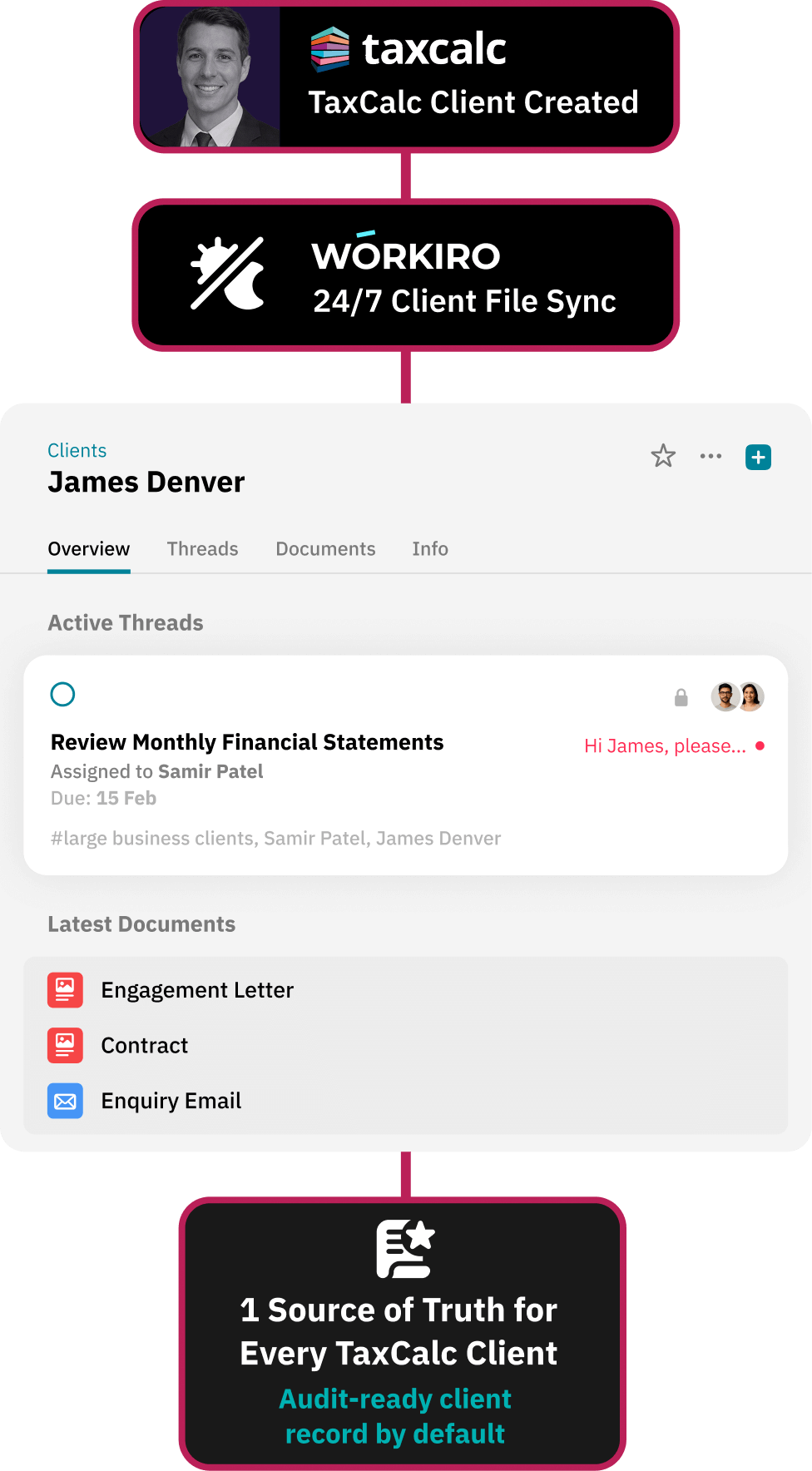
1 Clean Client Record

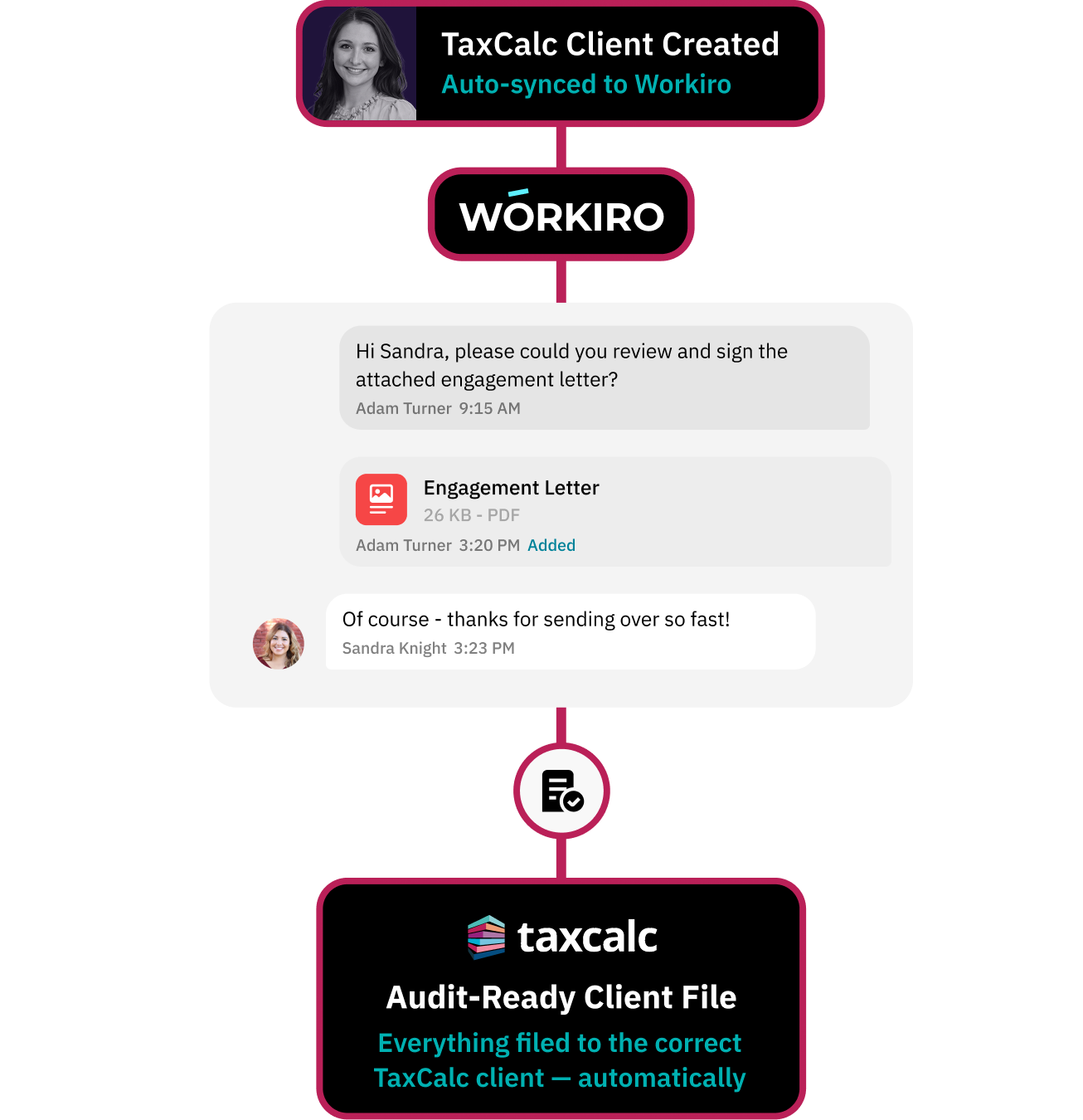
TaxCalc clients sync automatically into Workiro

Updates in TaxCalc reflect instantly

No duplicate client records

Work Stored Against The Client

Store tax computations, schedules & evidence centrally

Capture review notes, queries & approvals in threaded comms

Automatically file emails and attachments without manual download-and-save steps

Audit Trail Built Automatically

Request client signatures directly from Workiro

Clear audit trail linked to the TaxCalc client record

AI-assisted classification reduces manual filing

TaxCalc for Workiro demo

Workflow for centralising all verification evidence

Partner Review and Sign-Off, Captured Automatically

Partners can review, comment and approve jobs directly from their mobile device — without forwarding PDFs or chasing email threads.

All approvals and changes are automatically timestamped and filed against the correct client record.

“Having one source of truth for collaboration between teams and clients enables us to deliver exceptional service.”

A Workiro customer

Martin Bugg
Director at Larking Gowen

Top 40

Award-winning accounting firm

450

Sized team

Workflow for delivering a clean handover to internal teams

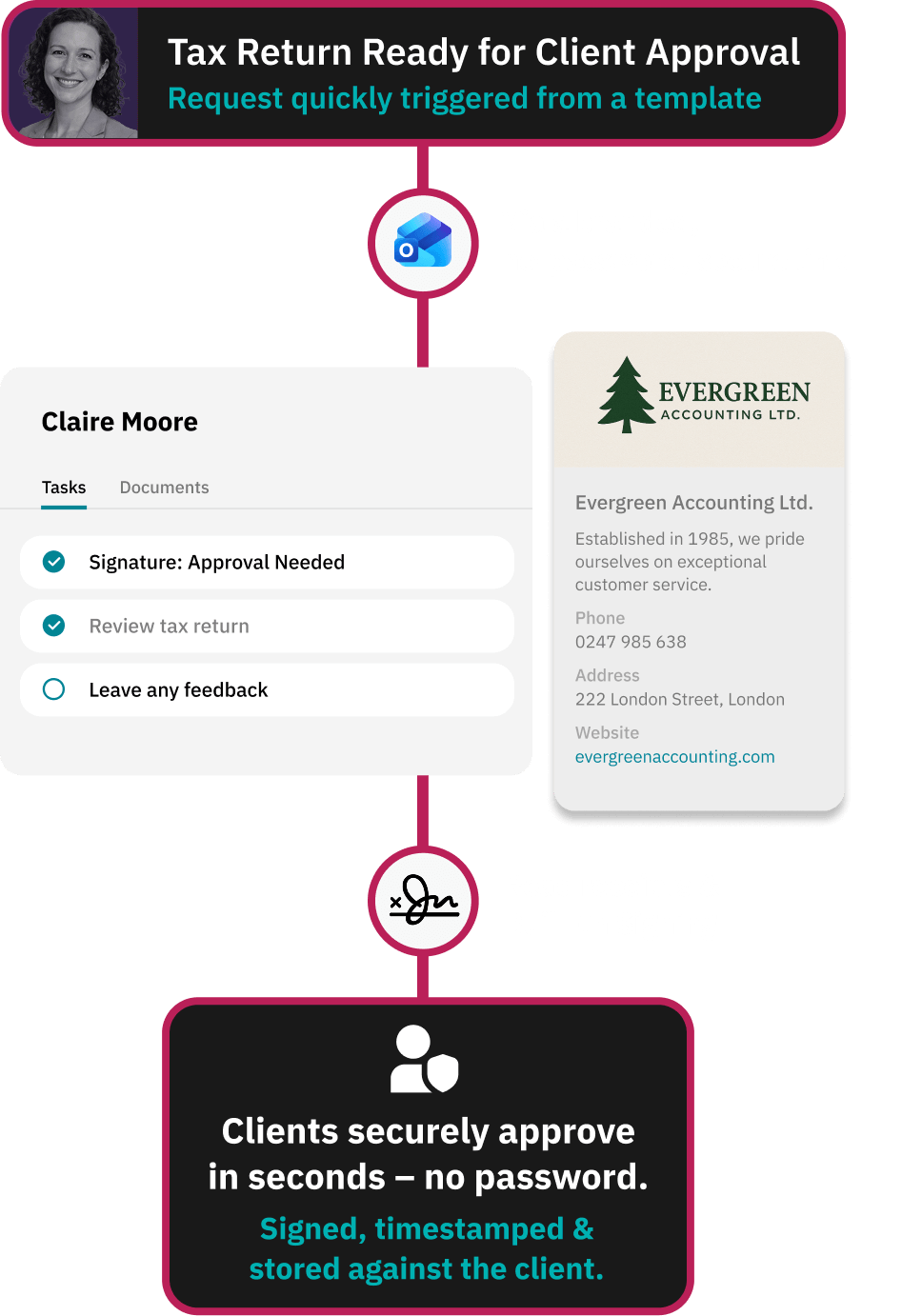
Collect Client Documents Securely — Without Passwords

No passwords. No chasing.

Send a secure branded link.
Clients review and sign in seconds.

Everything automatically captured, timestamped and filed to the correct client in TaxCalc and Workiro.

Workflow for delivering a clean handover to internal teams

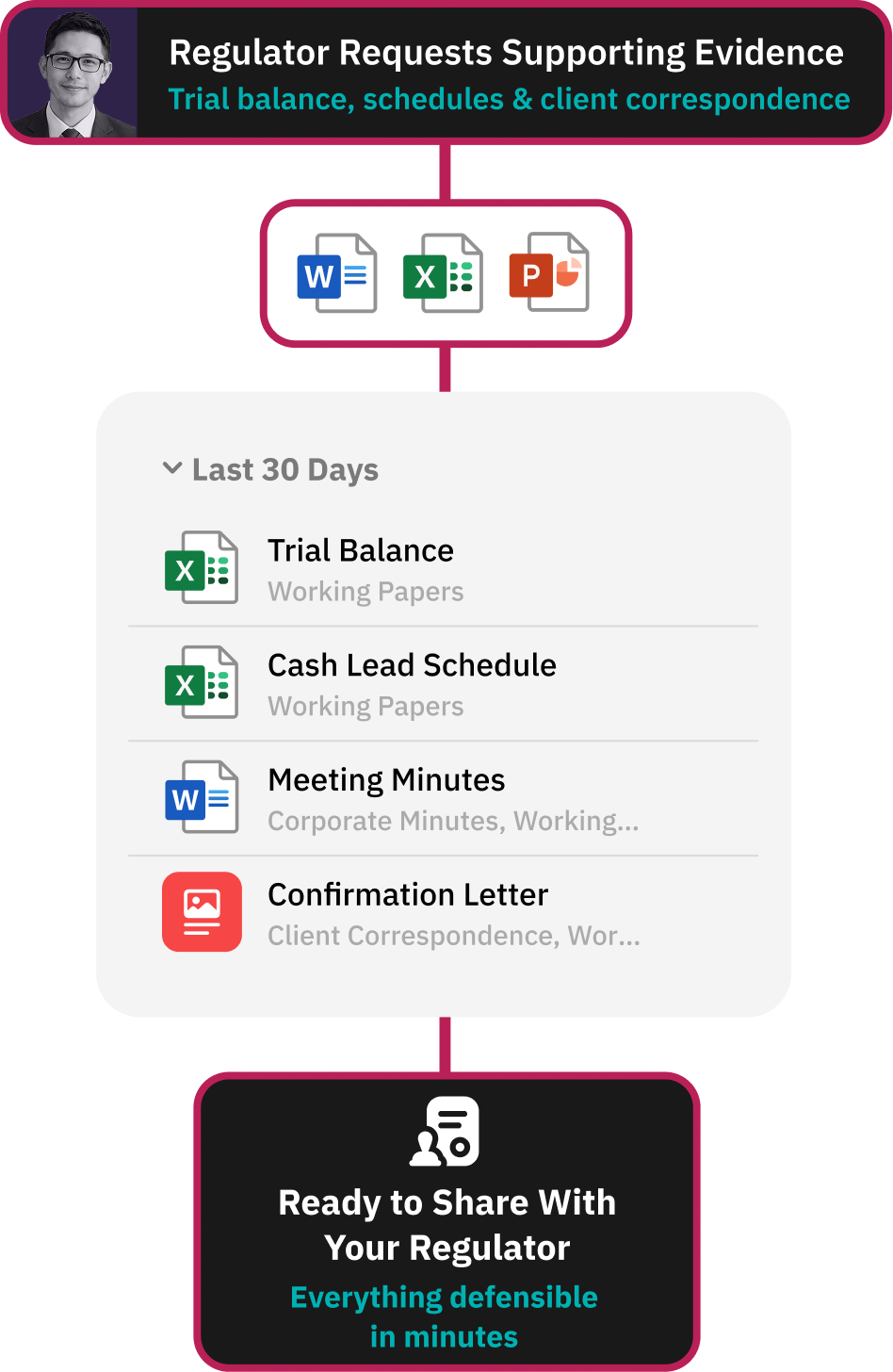
When the Regulator Calls, You’re Ready

When evidence is requested, you don’t start searching.

Every working paper, schedule, email and approval is already linked to the correct client and job – versioned, timestamped and searchable in seconds.

No missing attachments.

No “which version is final?”

All synced across TaxCalc and Workiro.

TaxCalc for Workiro demo

TaxCalc and Workiro Frequently Asked Questions:

Yes. Workiro integrates natively with TaxCalc, sharing a single client database across TaxCalc, Engager and Workiro. Documents created in TaxCalc — tax returns, sets of accounts, Companies House forms and AML documents — can be sent directly to the correct client file in Workiro using the "Send to Document Management" button, with consistent file naming applied automatically.

Open the document in TaxCalc, go to Check and Finish, and select "Send to Document Management." The document is filed automatically in the right client file, in the right section, with the correct naming convention — no manual saving or tagging. The button appears throughout TaxCalc, including in tax returns, accounts and Companies House forms.

Both integrate with TaxCalc for document storage and client file sharing. Workiro adds a communication and workflow layer on top of document management: automatic email capture from Outlook, internal and external threads against the client record, approvals and e-signatures, AI-assisted filing, and a full time-stamped audit trail — designed for firms that want an audit-ready client file, not just cloud storage.

Yes, with the Outlook integration. Once a conversation is added to Workiro, every subsequent email in the thread is captured and filed against the correct client automatically — including where multiple staff are copied — so there's one complete record with no duplicate filing. A Gmail add-in is also available for filing emails individually.

Yes. Workiro is ISO 27001 certified and SOC 2 compliant, with all client data encrypted and a full, time-stamped audit trail of document activity. It's built by the team behind Virtual Cabinet, trusted by 65,000+ professionals including BDO, RSM and Kreston Reeves — see the Workiro Trust Centre.

Yes. Workiro provides data migration and implementation support for firms moving from other systems, including SmartVault, FYI, Docusoft and SharePoint or network folders. Lloydbottoms moved 15 years of documents to the cloud with an assisted migration.

Yes. TaxCalc, Engager and Workiro share one client database, so client records created in your practice management or tax software sync automatically to Workiro — no duplicate client lists and no re-keying.

Yes. Workiro is cloud-based and works natively on desktop, browser, iPhone, iPad and Android.

Optionally, yes. Workiro's AI reads uploaded documents, recognises the document type (such as a letter of engagement) and suggests the correct filing location based on your firm's conventions — reducing filing to a single click. It can be switched off if you prefer manual tagging.

Workiro is document management and client workflow software for accounting and professional-services firms in the UK and Australia.