
Choosing an IRIS OpenDocs or Invu Alternative: What to Look For (and Two Traps to Avoid)



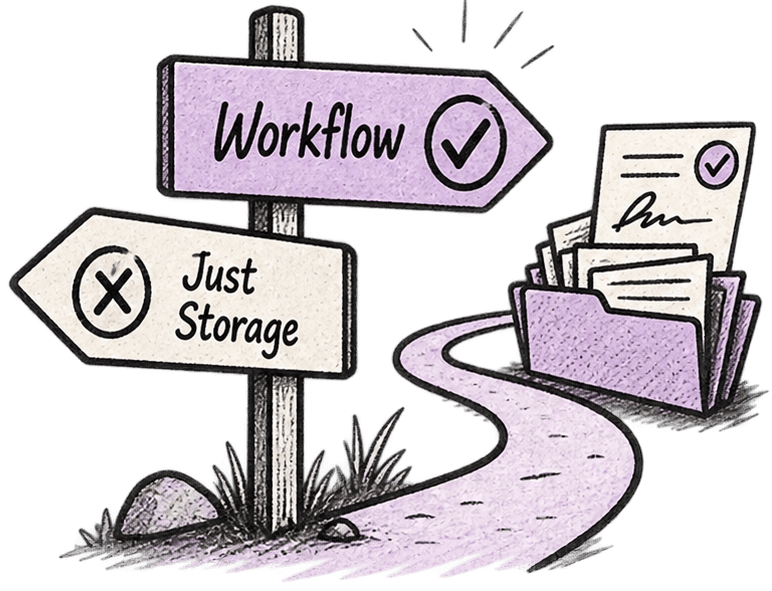
In short: If you've decided OpenDocs or Invu has had its day and you're looking at replacements, do one thing before you shortlist: narrow what you're actually replacing. For most IRIS firms the tax and accounts engine isn't the problem — the document layer is. That means the alternative you need is narrower, cheaper and far less disruptive than a full switch. The two traps to avoid are replacing all of IRIS when you didn't need to, and swapping one document store for another that still leaves you chasing. Here's how to choose well.
Searching for an "OpenDocs alternative" or an "Invu alternative" usually starts with a specific frustration: approvals that drag, files you can't find the final version of, a system chained to a desktop. Fair reasons to look. The mistake is letting that frustration widen the search until you're evaluating a wholesale replacement for software that, in the parts that matter, still works.
So before the shortlist, two decisions will save you months.
First, decide what you're actually replacing
Be precise about where the pain is. In most IRIS practices, the tax computations and the filing aren't the issue — that's the part IRIS does well, and it's the part a switch would be most painful to lose. The friction lives in the layer around it: collecting records, getting returns approved, and finding the right file later. That's OpenDocs and Invu's job, and it's the job that's fallen behind.
Naming it that precisely matters, because it shrinks the decision. You're not shopping for a new practice suite. You're shopping for a document layer to sit on top of the IRIS you keep. Everything below is about choosing that well.
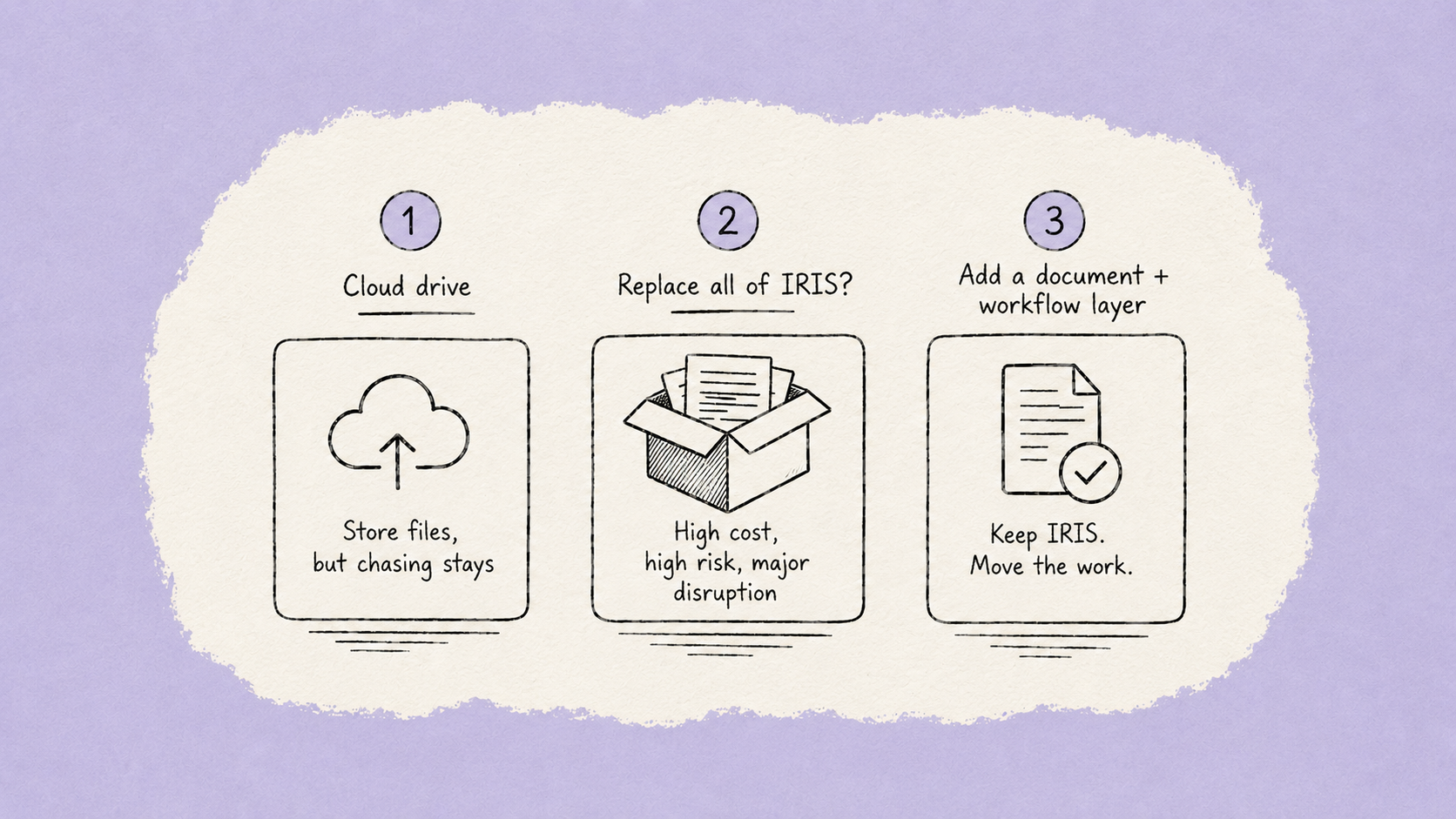
Trap 1 — replacing all of IRIS when only the document side is broken
This is the expensive one. A document frustration turns into a full software review, and suddenly you're pricing up a migration of tax, accounts production and payroll — retraining the whole team, re-testing every workflow, taking on risk across the bit of your practice that was never actually broken.
You can keep IRIS for tax, accounts and payroll and change only the layer that's letting you down. That keeps the compliance engine you trust, avoids the biggest disruption, and solves the thing you were actually annoyed about. If a shortlist conversation is drifting toward "rip it all out," that's the moment to stop and re-scope.
Trap 2 — swapping OpenDocs or Invu for a plain cloud drive
This is the subtle one, and it's where a lot of firms quietly lose the benefit. Search for an alternative and the results fill up with general cloud-storage tools — the sort of drive that syncs files and shares folders. They look cheap and modern, and they do fix one thing: your files are now in the cloud.
But storage isn't the job. Documents tell you what you have; a workflow tells you what to do with them. A drive holds the client's records — it doesn't request them, chase the client who hasn't sent them, route the return for approval, or show you at a glance who's outstanding. Move from OpenDocs to a bare drive and you've changed where the files live without changing the thing that actually eats your week: the chasing and the manual routing. Six months later the frustration is back in a new outfit.
The test for any alternative: does it just store, or does it move the work?
What to actually look for in an OpenDocs or Invu alternative
Use this as your shortlist scorecard. A replacement worth its subscription should tick most of these:
- Works with the IRIS you're keeping — connects to your IRIS client data and sits alongside it, rather than forcing a wholesale switch.
- Does the workflow, not just storage — requesting records, automated chasing, review and approval, e-sign — not a folder you still have to drive by hand.
- Brings your history across — migrates your existing OpenDocs/Invu documents with their client references and filing intact (more on this below).
- No-login client access — clients get a secure link and upload; no password to forget is the single biggest driver of whether they actually respond.
- Works on a phone — review and approve away from the desktop, which is exactly what OpenDocs and Invu can't do.
- Keeps an audit trail by default — every version, approval and message against the client, retrievable in seconds when HMRC or a reviewer asks.
- Real support and a managed move — a team that runs the migration and answers the phone, not a ticket queue.
| Keeps IRIS? | Moves the work (not just storage)? | Brings OpenDocs/Invu history across? | Disruption | |
|---|---|---|---|---|
| Stay on OpenDocs / Invu | Yes | No — the current problem | N/A | None now, rising later |
| Generic cloud drive | Yes | No — storage only, chasing remains | Rarely, and unstructured | Low |
| Replace IRIS entirely | No | Depends on the suite | Full re-platforming | High |
| Add a document + workflow layer on top of IRIS | Yes | Yes | Yes, managed | Low–moderate |
The bottom row is the one most firms land on once they've narrowed the problem: it fixes the document layer, keeps the compliance engine, and moves the work instead of just relocating the files.
The bit that actually worries you — getting your history out
For most firms the real hesitation isn't choosing an alternative; it's the thought of prising years of documents out of OpenDocs or Invu. Worth knowing how that actually goes.
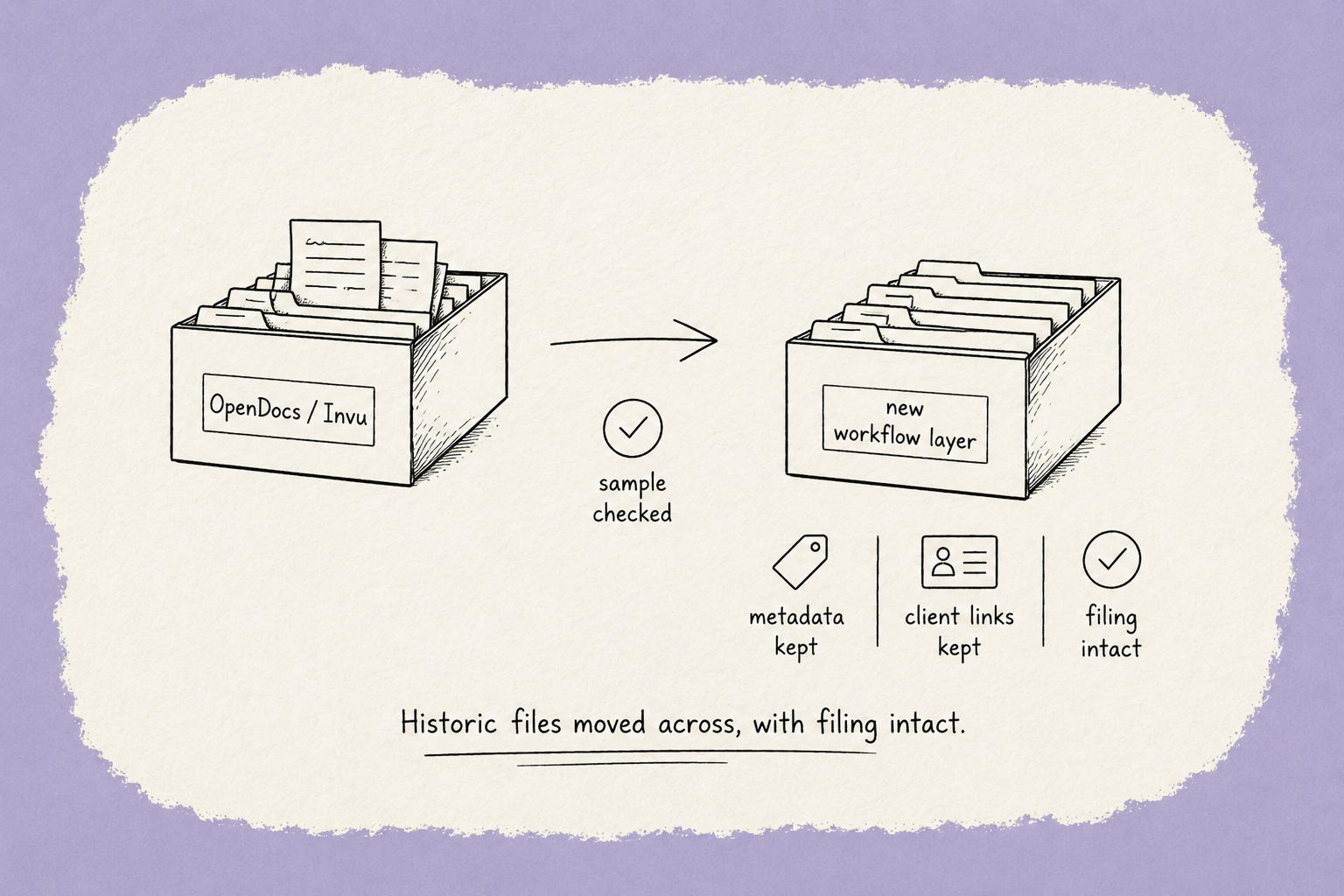
A proper migration is assisted and verified: your historic documents come across with their client references and filing intact, nothing leaves your existing system until you've checked a sample and confirmed, and many firms run both side by side for a short while during the switch. Informed Choice, a UK financial planning firm, did exactly this evaluation — tested three systems before choosing — and cut its server costs in half in the move. Lloydbottoms, a Bristol chartered accountancy practice, moved fifteen years of documents off a legacy on-premise system when its server reached end of life, re-filed by tags rather than guesswork, and put clients on no-login access. The migration is the fear; done properly, it's the least dramatic part.
Frequently asked questions
Do I have to leave IRIS to replace OpenDocs or Invu?
No — and for most firms you shouldn't. The tax and accounts engine is usually the part that works; it's the document layer that's fallen behind. You can keep IRIS for tax, accounts and payroll and replace only OpenDocs/Invu with a connected document-and-workflow layer.
Can I move my OpenDocs or Invu history to something new?
Yes. A managed migration brings historic documents across with their client references and filing intact, and nothing leaves your current system until you've verified a sample. Ask any provider to show you exactly how your history moves before you commit.
Isn't a cloud drive a cheaper alternative?
It's cheaper because it does less. A drive stores files; it doesn't request records, chase clients, route approvals or show you who's outstanding — so the manual chasing that eats your week stays. If you only move storage, you've moved the files, not the problem.
What's the difference between document storage and a document workflow?
Storage is where files sit. A workflow is what happens to them — collected, reviewed, approved, filed — automatically. Documents tell you what you have; a workflow tells you what to do with them.
Will clients use a new system?
They will if there's nothing to log into. A secure link with no password is the biggest single driver of client adoption — the friction of another account is usually why portals go unused.
The honest summary
If OpenDocs or Invu has run its course, you don't need a new practice suite — you need a better document layer, and you need it to move the work, not just store it. Narrow the problem to the document side, keep the IRIS you rely on, and judge every option on whether it chases, routes and files for you, and whether it can bring your history across. Get those two decisions right and the shortlist gets short very quickly.
→ Get the guide for IRIS firms: Keep IRIS. Fix what's slowing you down.
General information for accounting and professional-services firms, not advice – verify anything time-sensitive with the relevant tax authority or your professional body before acting on it.
Keep Every Client File Defensible — Without Slowing Down.
Book a demo




Industry-leading data security, for total peace of mind
We are a listed public company; currently protecting data for many of the world’s biggest professional brands.