In today’s competitive landscape, CFOs are increasingly tasked with providing financial oversight for the key investments their organisations make in software. Technology spending, after payroll, often represents one of the largest expenses for services firms.
Yet, finance leaders often, and quite reasonably, shy away from auditing their tech investments - daunted by technical jargon or the perceived boundaries of the CTO’s domain. We’ve seen this firsthand, because we’ve worked with thousands of leading financial institutions and their leaders across the globe.
The following checklist bridges that gap, focusing on strategic outcomes rather than technical intricacies. Designed for senior leaders with budgetary responsibility – not just accountants - it will help to ensure your tech stack not only supports but accelerates business growth.
Our recommended questions centre on four core objectives:
For each question, extensive research underscores why these areas warrant immediate financial scrutiny.
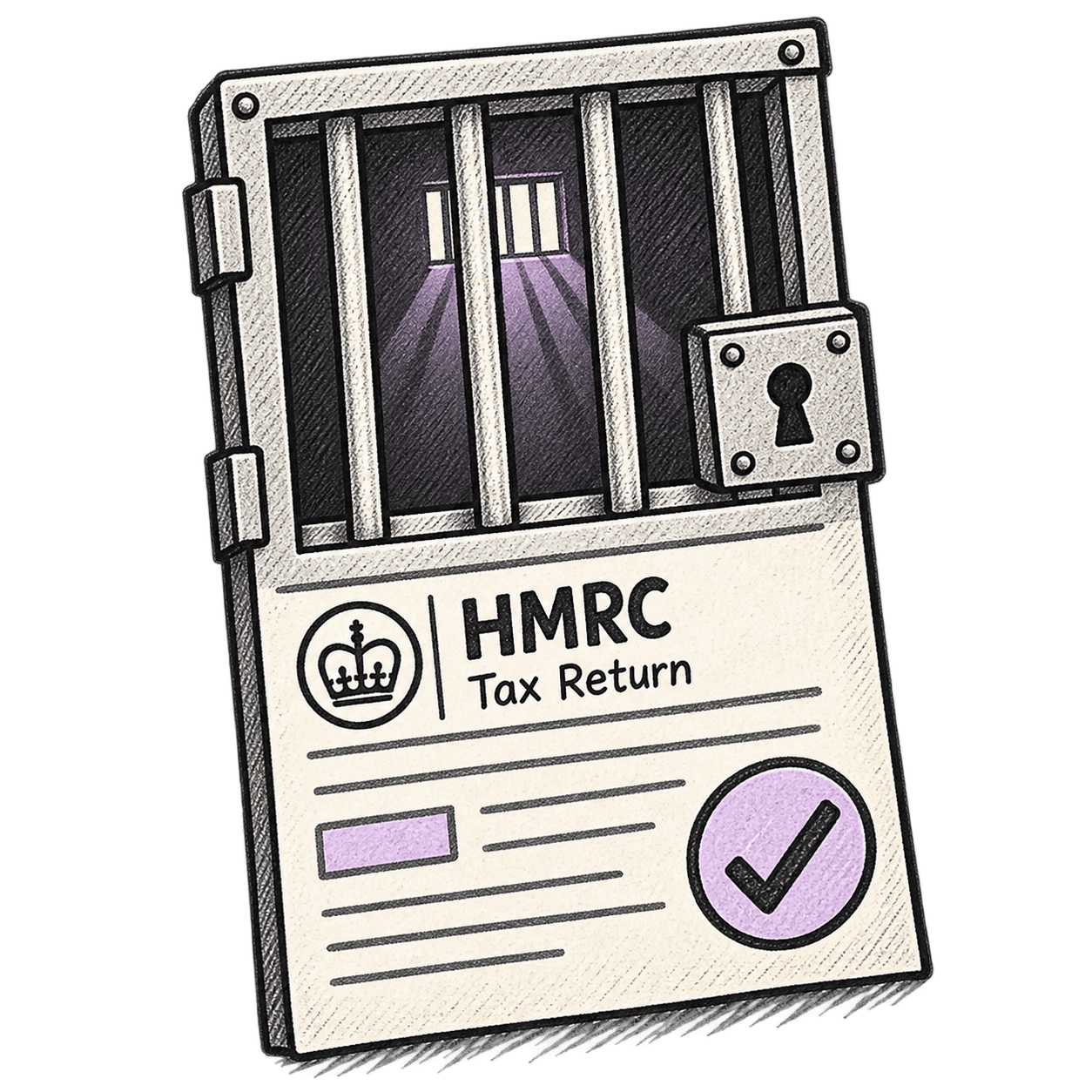
Most sectors have some kind of standardised form that’s required for regulatory or contractual reasons. In the US construction industry there are Lien Waivers. In manufacturing there are Certificates of Analysis. If your firm needs to complete forms or similar documents as part of recurrent procedures, it’s wise to ask why your team are repeatedly having to re-type this data into your CRM or ERP manually. Chasing and filing these essential documents is the purest form of bureaucracy. If your software isn’t automating these basic workflows to make admin simple and painless, it’s probably time to review your set-up.

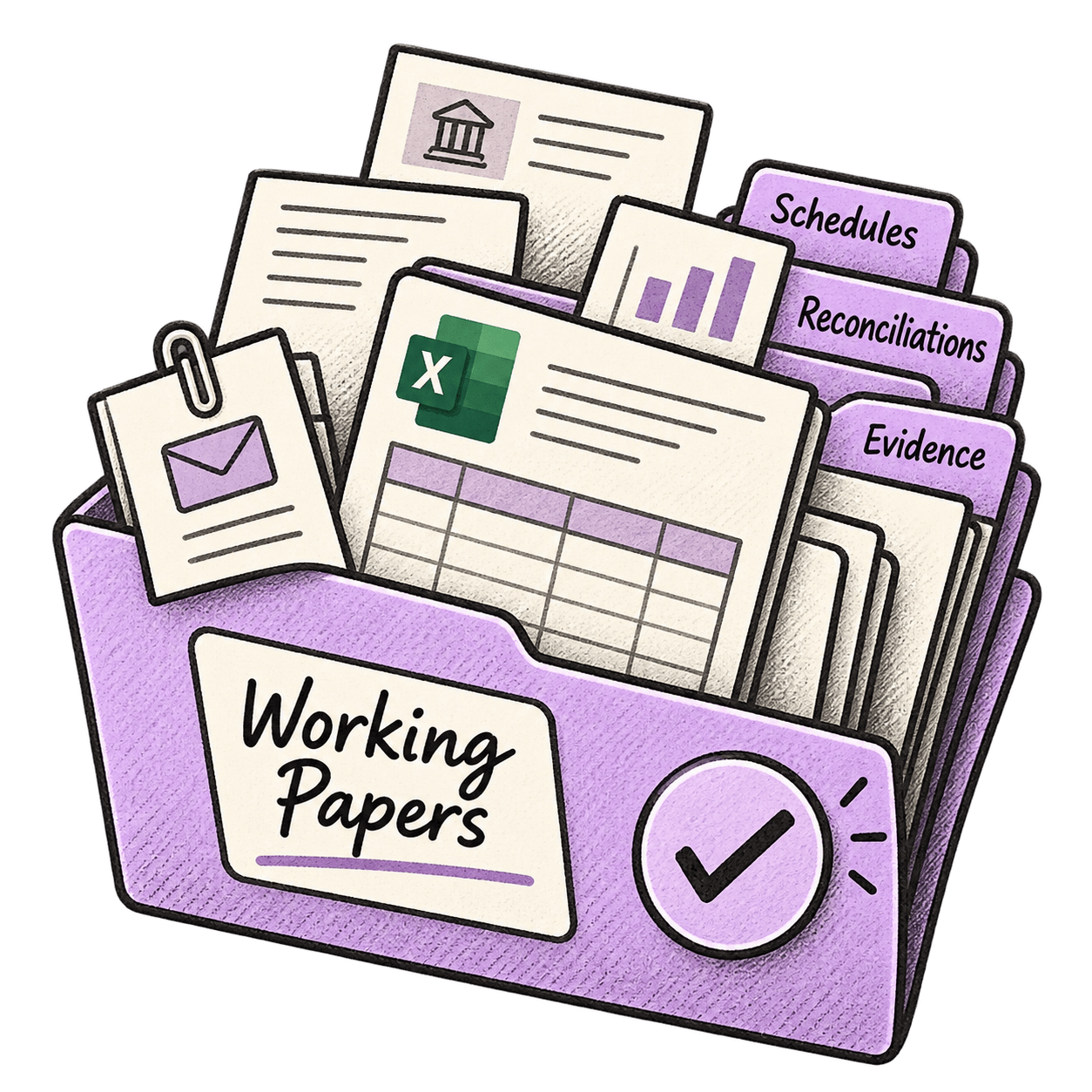
Searching for documents or collating materials to deliver a project is, at best, time consuming and stressful. Most of us will also be required to find information in response to more onerous queries, reviews or even audits. Trawling through a labyrinth of folders is neither efficient nor necessary. Indeed, folder systems are integral to the problem. Each team will adopt a different structure that suits them. Folders and files will also be named accordingly. A more modern approach is to have a means to group information intuitively. In practice, this allows you to pull together all the information relating to a specific customer, programme, project, or task. Whatever your role or objective, everything you need is together, where you can find it.

With multiple stakeholders using a raft of different channels, apps and file formats, collaborating on an important document is often challenging. From Heads of Agreement, PIDs and Statements of Work , through to delivery notes and invoices, few documents remain unchanged. Often there will be numerous changes or contradictory requirements, so reliable and secure version-control is essential. However, even with a meticulously maintained File Cabinet in NetSuite, co-authoring or marking up documents can get very complicated, very quickly. Technology for ‘document management’ has evolved significantly and if collaboration on documents isn’t straightforward, you should consider a more advanced solution.


Most business relationships require us to employ a range of different documents, discussions and agreements. Many of these are interdependent and most interactions with customers or third parties require us to draw on information from multiple sources. Today, it’s possible to group essential business information intuitively; by client, process, transaction, territory… or any combination thereof. So, why do so many business keep all these types of information in different digital silos?

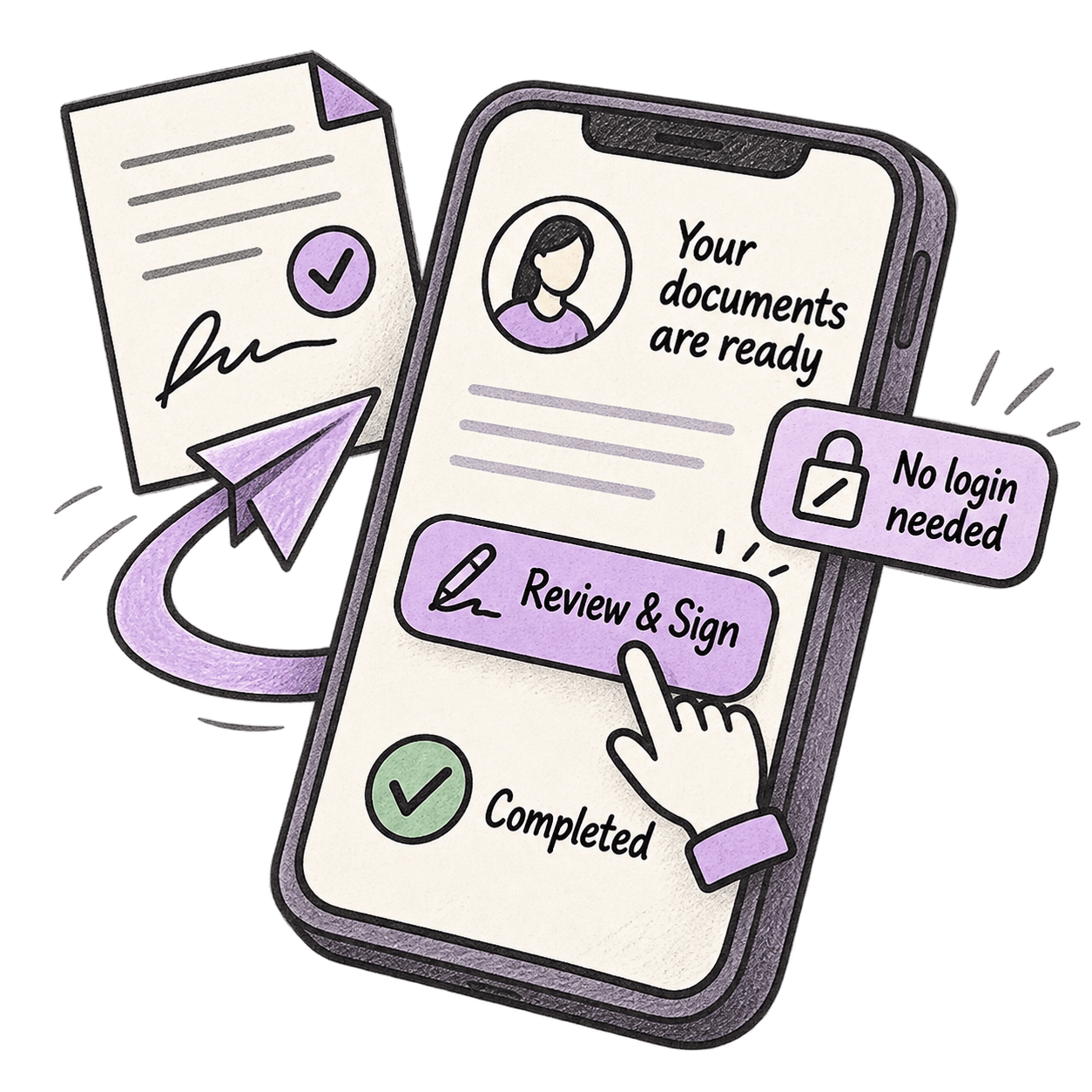
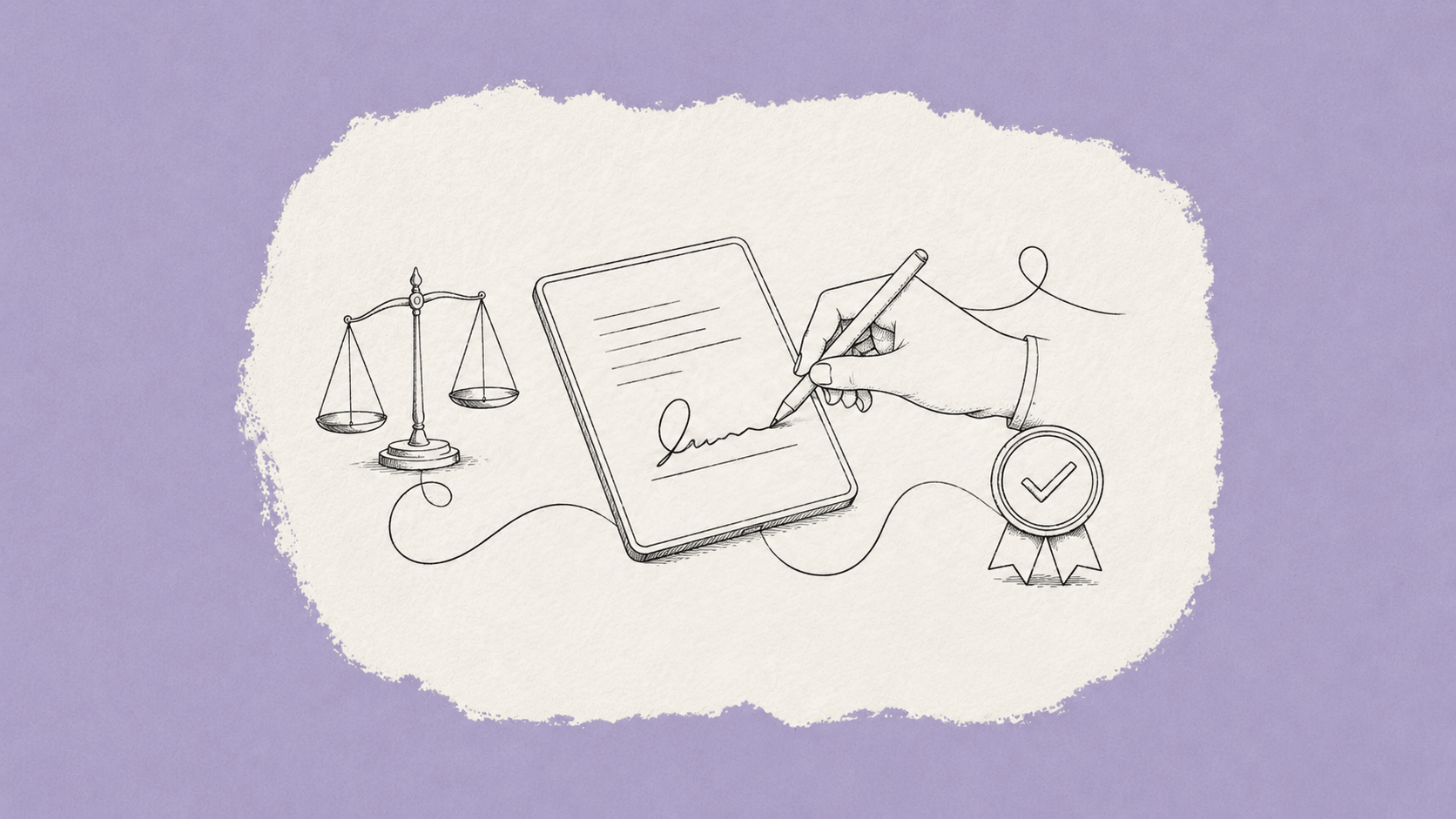
Evidently, formal approvals and agreements form the commercial basis of all business transactions. It is therefore bizarre that soliciting, tracking and filing of e-signatures are often undertaken as discrete processes that run parallel to service delivery. What’s more, most e-signature software vendors will charge you extra if you exceed your quota of signatures. This approach is slow and outdated. It is possible to fully integrate the e-signature process, from initial request to filing. And you don’t need to be restricted to quotas.

Email was, for many years, an invaluable communications channel that accelerated business processes exponentially. And yet today, the practice of sending updates or amendments via email creates as many problems as it solves. There are a number of possible methods for redirecting emails and their attachments in pursuit of consolidated records, such as including “cc” copies that get sent to CRMs or ERPs. But they typically require colleagues to actively send copies, which is both time consuming and unreliable. This is not a difficult nut to crack. Automatic capture of emails and attached files is possible. It’s easy to set up, and you can establish rules to include or exclude particular correspondence.

Even in a business with a few dozen employees, functional teams tend to operate as discrete groups with their own systems and working practices. Independently, these teams can be disciplined and concerted in their work. The biggest problems arise then two or more departments interact, often because human processes and digital systems simply don’t play nicely together. Points that require manual intervention are where failures are most likely to occur. However, it is possible to ‘join the dots’ with simple, reliable integration and automated processes.

Paradoxically, the proliferation of modern business software tools, all promising greater productivity and a better ‘customer experience’, has had quite the opposite effect for many companies. There simply isn’t one place where you can find all the latest requirements or deliverables. Time sensitive information, such as requests for changes or amended terms, is scattered across various folders and systems. This can be overcome easily. You can have a ‘single source of truth’.

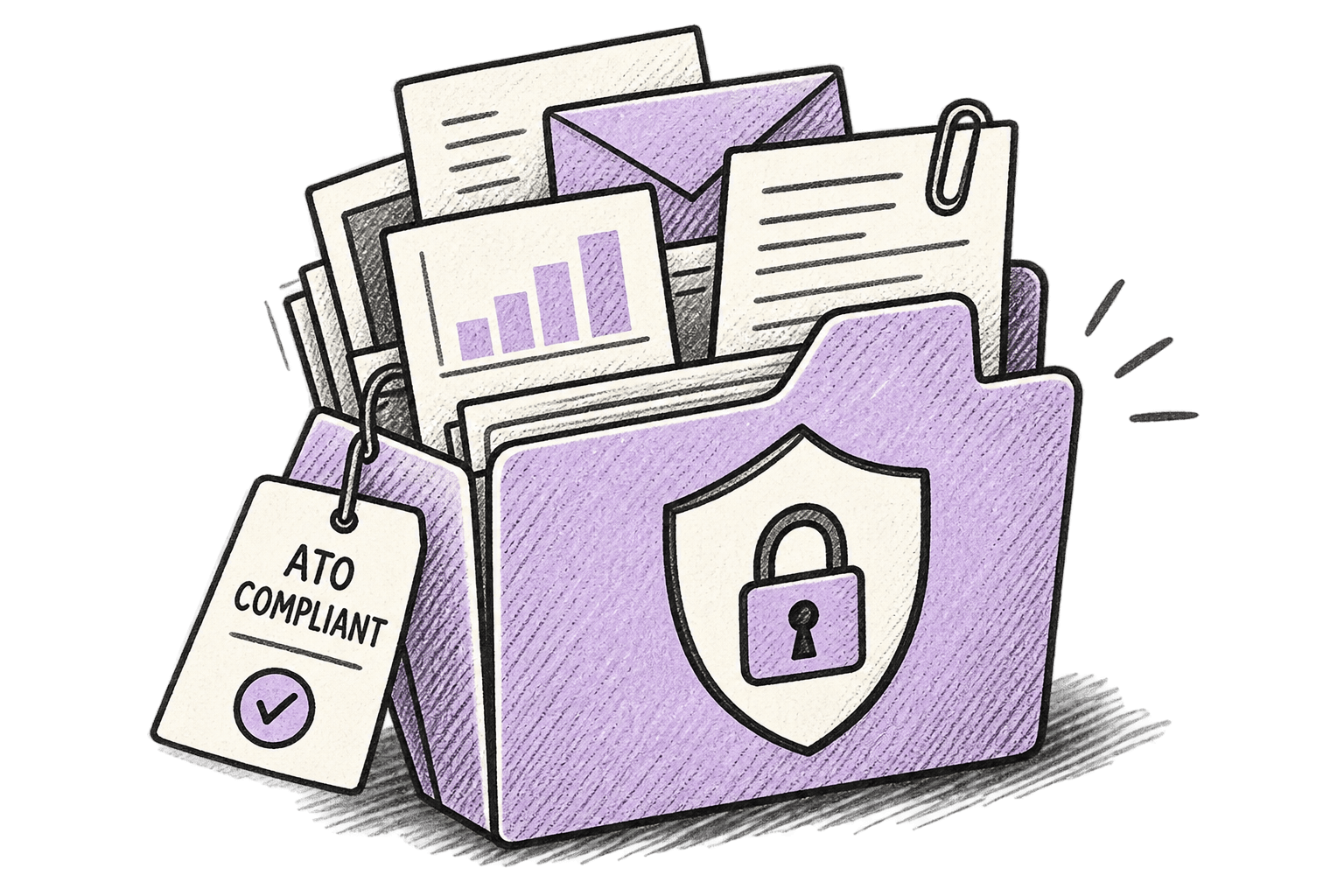
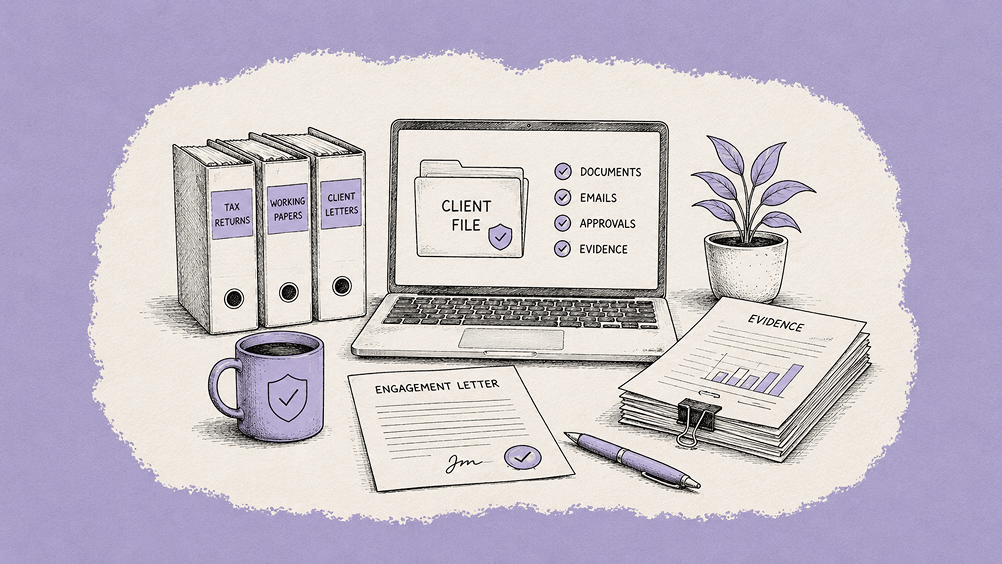
Quite reasonably, in our day-to-day work, most of us are focused on planned tasks and projects. But it’s not uncommon to have an extraordinary request for information, such as for a review or audit. And compliance is something that no company can avoid or overlook. In these circumstance, there are two questions to ask. Firstly, is all the right information easily accessible? Secondly, is it stored off-site and in a secure manner? You can address both of these requirements easily without disrupting your business or overhauling your tech stack.

The ability for colleagues and customers to mark-up documents, such as contracts in MS Word or technical drawings in PDFs is essential. However, additional critical business information is often provided via other channels. So, collecting all pertinent comments together, including direct messages is also necessary. Today it is possible to aggregate documents, discussions and agreements together, even including private secure messaging threads.

Workiro, a next-generation document management platform, addresses these critical challenges by offering: